Why payroll review takes so long
The time clock, the schedule and the edit requests live in different places. A forgotten clock-out pays someone until midnight. A shift nobody clocked isn’t paid at all, or is paid when nobody worked it. Two people stay through the same hour and both get paid. Owners end up reading every punch of every person to find the three that matter. The review puts those three on top.
What Alvin does
- Reads the period. Every shift on the time clock and every scheduled shift in the two weeks.
- Applies what’s approved. Edit requests replace the punch they fix; shifts added after the fact are counted and listed.
- Finds what needs you. Scheduled shifts with no clock-in, anyone still clocked in, and two people paid for the same window when the schedule planned one.
- Adds it up. Hours, overtime past 40 hours a week at time and a half, and gross per person, from your rates.
- Gives you the deadline. Payday, the day to submit by, and a button to your payroll app’s review page.
Example
Example review for a sample front desk with five people. Names and numbers are examples.
Pay period Oct 12 to Oct 25: $3,175.10 gross for 194.45 hours, 8.40 of them overtime. Two things to check before you submit by Wed, Oct 28: a scheduled Saturday shift nobody clocked, and two people both paid for 43 minutes on Thursday afternoon.
Under that, each person has one row: hours, gross, the difference from the schedule and a status. Only the rows that need you start open, and each shows only the days worth a look, with every day one click away.
Rules it never breaks
These are built in. No setting turns them off.
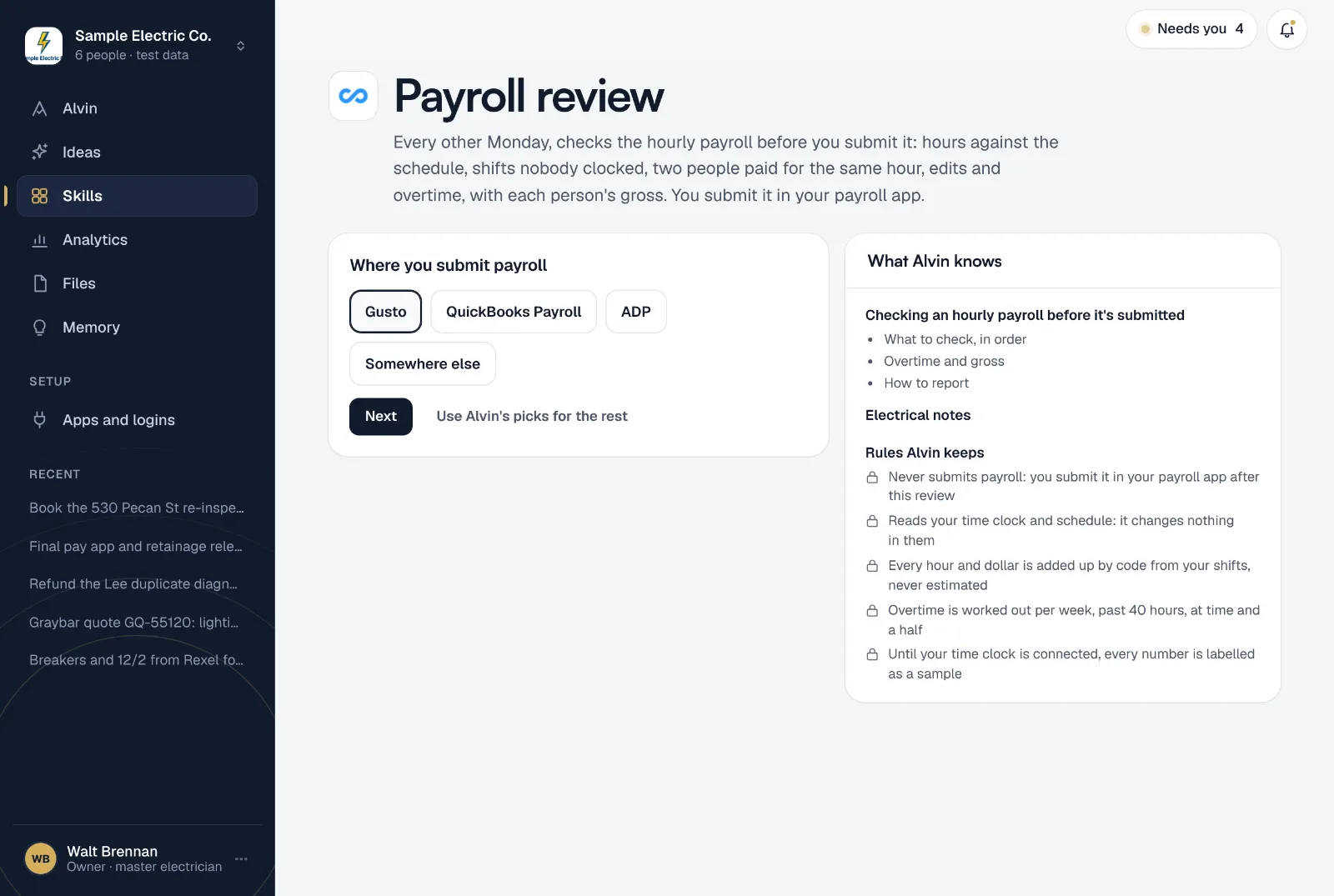
- Never submits payroll: you submit it in your payroll app after this review
- Reads your time clock and schedule: it changes nothing in them
- Every hour and dollar is added up by code from your shifts, never estimated
- Overtime is worked out per week, past 40 hours, at time and a half
- Until your time clock is connected, every number is labelled as a sample
Your settings
A few settings, each with a working default:
- Where you submit payroll: Gusto, QuickBooks Payroll, ADP or somewhere else, and the link to its review page.
- Payday: how many days after the period ends you pay.
- Hourly rates: a rate per person, and one for everyone else.
- Overlap worth a look: how long two people can be paid for the same window before it’s a decision (20 minutes by default).
It runs every other Monday at 8:00 AM. Only an owner or office manager can set it up.
Frequently asked questions
Does Alvin submit payroll?
No. The review only reads your time clock and schedule. You submit payroll in your payroll app, after you’ve checked it.
Does it change anything on the time clock?
No. If a punch is wrong, approve the edit in your time clock and run the review again.
How is overtime worked out?
Per workweek, Monday to Sunday: hours past 40 are paid at time and a half. The two weeks are never averaged. If your state adds daily overtime, check it in your payroll app.
What if my time clock isn’t connected?
The first run shows a sample front desk so you can see the review, and every number says it’s a sample until your time clock is connected.
Submit payroll knowing what you’re paying for.
Connect your time clock, add your rates, and see this pay period checked before you finish setting up.