Why a P&L goes unread
A profit and loss statement is a page of account names and columns. It answers the question an owner actually has (“did we make money, and is it getting better?”) only after you compare it with last month, and the month before, and work out which line changed. Most owners open it, see a number at the bottom, and close it. The useful part is the comparison, and that’s the part nobody has time for.
What Alvin does
- Pulls the report on the 5th. Last month’s profit and loss from QuickBooks, with the months before it for comparison.
- Leads with what you kept. Profit and income for the month, and how many cents of every dollar you kept.
- Compares fairly. Against the month before and against your average of the months before that, so one odd month doesn’t read as a trend.
- Names what moved. Job costs as a share of income, overhead, and the lines that changed most (at least $500 and 10%), in dollars.
- Flags what to check. A loss, a gross margin that fell 5 points or more, or money still sitting in uncategorized, which means the numbers can still move.
Every sentence is built by code from QuickBooks’ own numbers. Alvin writes nothing it can’t point to on the report.
Example
Example summary for a sample roofing company. Numbers are examples.
You made $21,400 on $96,800 of income in May (you kept 22.1¢ of every dollar). Income was up $8,300 (9.4%) from April. Job costs took 58.1% of income, against 55% in April. Overhead was $19,200, up $600. Materials rose $3,900 to $31,200. Profit was $2,100 above your 3-month average of $19,300.
Worth a look: $640 is still uncategorized, so these numbers can move once it’s sorted.
Behind the summary, the PDF has a month-by-month table (income, job costs, gross margin, overhead, profit) and every line of the P&L next to the month before.
Rules it never breaks
These are built in. No setting turns them off.
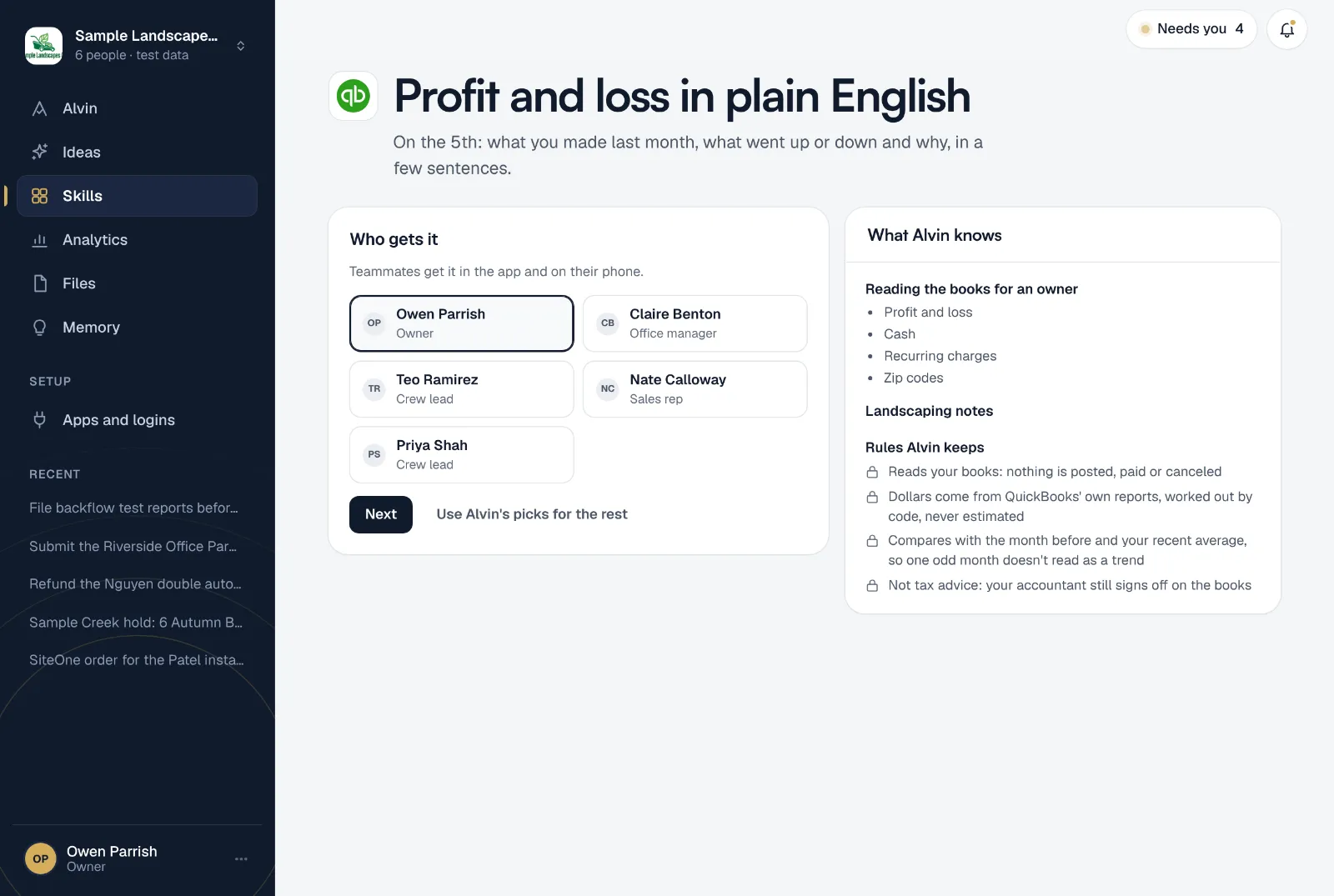
- Reads your books: nothing is posted, paid or canceled
- Dollars come from QuickBooks' own reports, worked out by code, never estimated
- Compares with the month before and your recent average, so one odd month doesn't read as a trend
- Not tax advice: your accountant still signs off on the books
Your settings
There is one setting, so setup takes about a minute:
- Who gets it: the teammates who should read it, in the app and on their phone. Usually the owner and whoever keeps the books.
It runs on the 5th at 7:00 AM, which gives your bookkeeper a few days to finish last month. You can move the date from the skill’s menu. Only an owner or office manager can set it up.
Frequently asked questions
Is this tax advice?
No. It’s a plain read of what’s in your books. Your accountant still reviews and signs off on them, and decides anything to do with taxes.
Does Alvin change my books?
No. It reads the profit and loss report and nothing is posted, paid or canceled.
What if my books aren’t caught up?
The summary is only as current as QuickBooks. If money is sitting in an uncategorized or “ask my accountant” account, Alvin says how much, so you know the numbers can still change.
What’s the difference between job costs and overhead?
Job costs are what a job uses up: materials, subs, dump fees. Overhead is what you pay to run the company no matter how many jobs you do: the office, software, insurance. The summary keeps them apart because they get fixed in different ways.
Can I see profit per job too?
Yes. The monthly job costing skill shows revenue, costs and margin for every job.
Know how last month went in a minute.
Connect QuickBooks, pick who gets it, and read last month’s summary before you finish setting up.