Why cash catches contractors off guard
A busy month can still leave the bank account thin. Materials get paid up front, the crew gets paid on Friday, and the customer pays when the job is done, or a few weeks after. Profit on paper doesn’t cover payroll if the money hasn’t arrived. Most owners check the bank balance and guess at the rest. The snapshot puts the week’s money in and money out on one page, so a short week shows up on Monday instead of Thursday.
What Alvin does
- Reads the bank balances. Every active bank account in QuickBooks, as QuickBooks shows it.
- Lists what’s due in. Open invoices due in the next week or two, by customer, invoice number and due date.
- Lists what’s due out. Unpaid bills due in the same window. Bills already past due count too, since they’re owed now.
- Gives you both ends. What you end with if everyone pays on time, and what you end with if nobody does.
- Says the hard part first. If bills due are more than the bank holds, the snapshot opens with the gap in dollars. Past-due bills get a line too.
Invoices that are already late go in their own list, with days late. They’re not counted as coming in, because you can’t plan payroll on them.
Example
Example snapshot for a sample HVAC company. Numbers are examples.
You have $42,300 in the bank across 2 accounts. In the next week, $18,750 is due in from 4 invoices and $27,900 of bills are due out. If everyone pays on time you end with $33,150; if nobody does, $14,400. $6,200 is already late from 2 invoices, not counted above.
Under the summary, the PDF lists each bank account, each invoice due in, each bill due out (marked if past due), the late invoices, and the totals.
Rules it never breaks
These are built in. No setting turns them off.
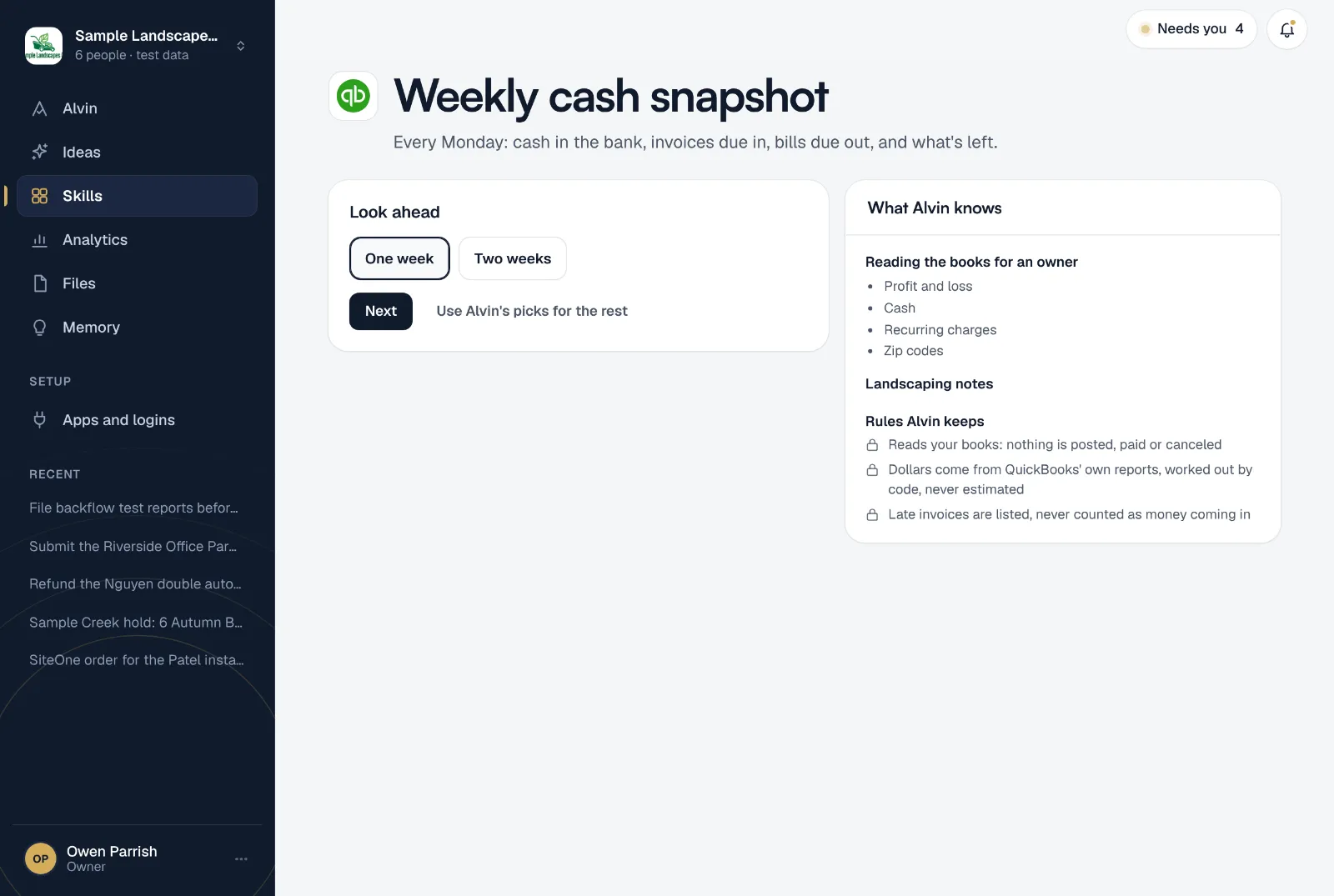
- Reads your books: nothing is posted, paid or canceled
- Dollars come from QuickBooks' own reports, worked out by code, never estimated
- Late invoices are listed, never counted as money coming in
Your settings
Two settings, both with a working default:
- Look ahead: one week or two weeks.
- Who gets it: the teammates who should see it, in the app and on their phone.
It runs Mondays at 7:00 AM. Only an owner or office manager can set it up.
Frequently asked questions
Is this a cash flow forecast?
It’s a short, honest one: only what’s in the bank and what’s already invoiced or billed with a due date in the window. It doesn’t guess at jobs you haven’t invoiced yet or bills you haven’t entered.
Why aren’t late invoices counted?
Because a customer who is already late may stay late. They’re listed with how many days late each one is, so you know who to call. Alvin’s invoice reminder skill can chase them for you, with your OK on every batch.
Is the bank balance exact?
It’s the balance QuickBooks shows. If your bank feed isn’t reconciled, it can differ from the bank’s own figure. The PDF says so.
Does Alvin pay bills or move money?
No. The snapshot only reads QuickBooks. Nothing is posted, paid or canceled.
Can I see the whole month instead?
The look ahead is one or two weeks. For the month behind you, the profit and loss summary covers what you made and what moved.
Start every week knowing your cash.
Connect QuickBooks, pick one or two weeks, and see this week’s snapshot before you finish setting up.