Security and control. Built into how Alvin works.
Alvin works in your real QuickBooks, CRM and supplier accounts. So control isn’t a settings page you have to find. It decides what Alvin can see and do, and who has to say yes.
- Logins live in a vault
Encrypted, filled in at the moment of sign-in, never shown to the AI.
- Money waits for a person
Purchases, invoices, refunds and fees ask first. No rule means Alvin asks.
- Receipts can’t be edited
Append-only. Nobody can turn the log off, including us.
- We never hold your funds
Money moves only through your own accounts. You stay the buyer of record.
Logins and the vault
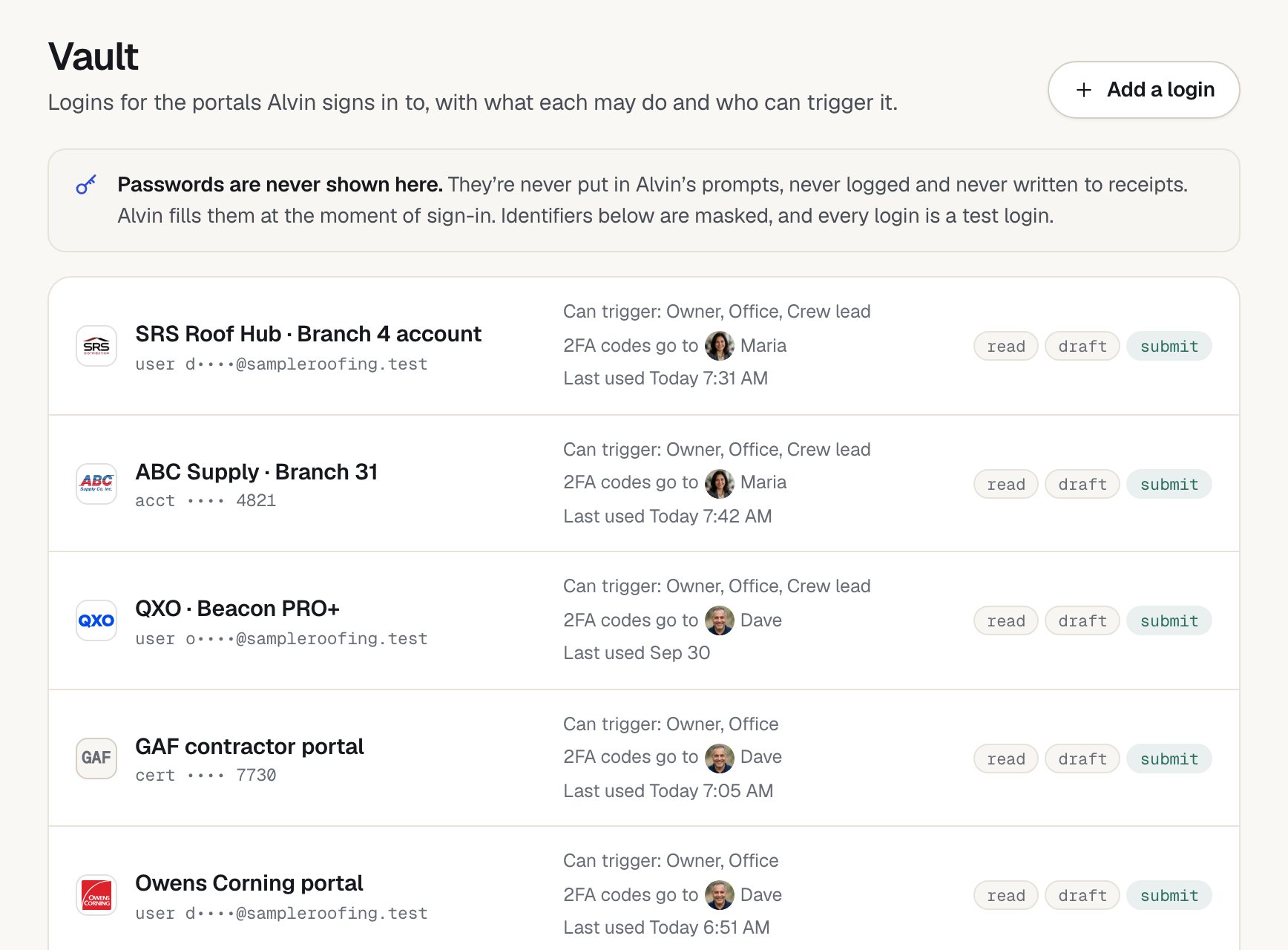
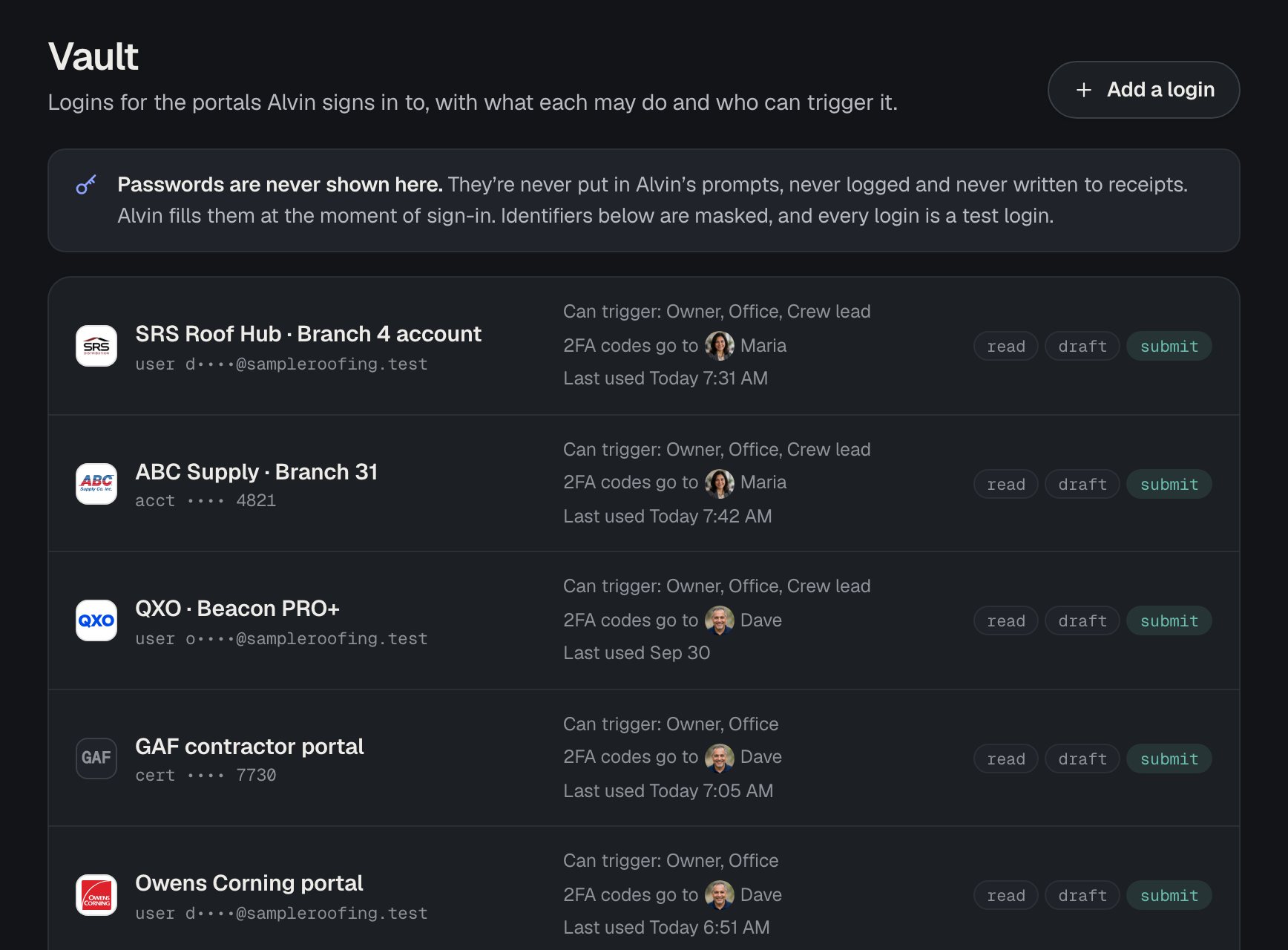
You add each login to your vault once. Alvin uses it to sign in to the app or portal, the same way you would.
- Encrypted at rest. Stored credentials are encrypted.
- Filled in just in time. A password is filled in at the moment of sign-in, straight from the vault, into Alvin’s browser or the app connection.
- Never shown to the AI. Passwords never appear in what the AI reads, in Alvin’s notes or memory, in logs, or in receipts. No screen in the app shows them back.
- No card numbers in memory. Card numbers are never kept in Alvin’s memory or notes.
- Two-factor codes go to your person. When a portal asks for a code, the request goes to the person you picked for that login. Alvin never asks a customer for one.
What each login can do
Every login in the vault has a scope you choose:
- Can read: look things up, like a price sheet, a job or an invoice.
- Can draft: prepare changes, like a cart, an estimate or an email, without sending or submitting.
- Can submit: place, send or save. You can set submit to ask you first, or turn it off.
You also choose which roles can set a login in motion. A tech’s request can use the Ferguson login without ever touching QuickBooks. Remove a login and Alvin’s access ends with it.
Roles and dollar limits
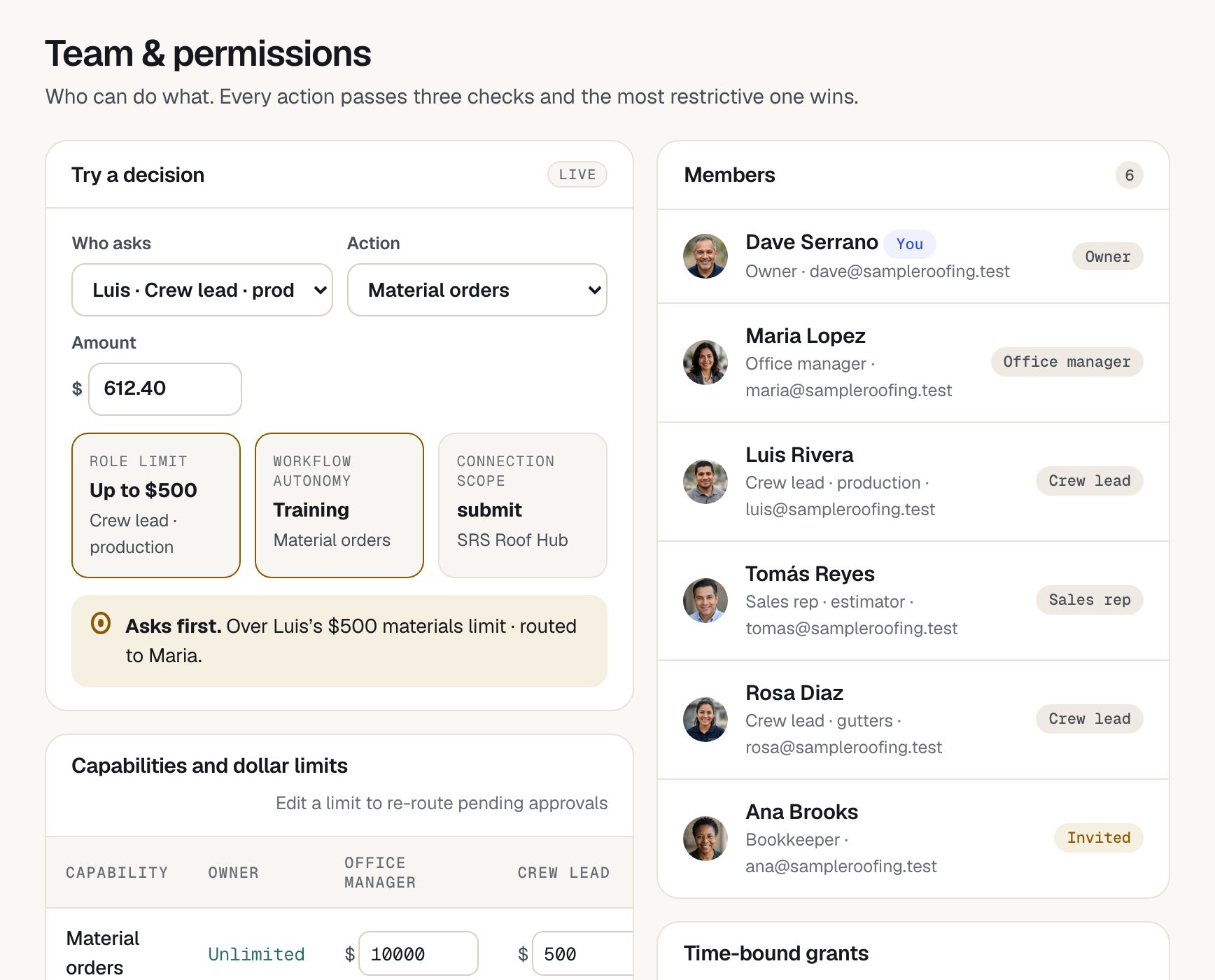
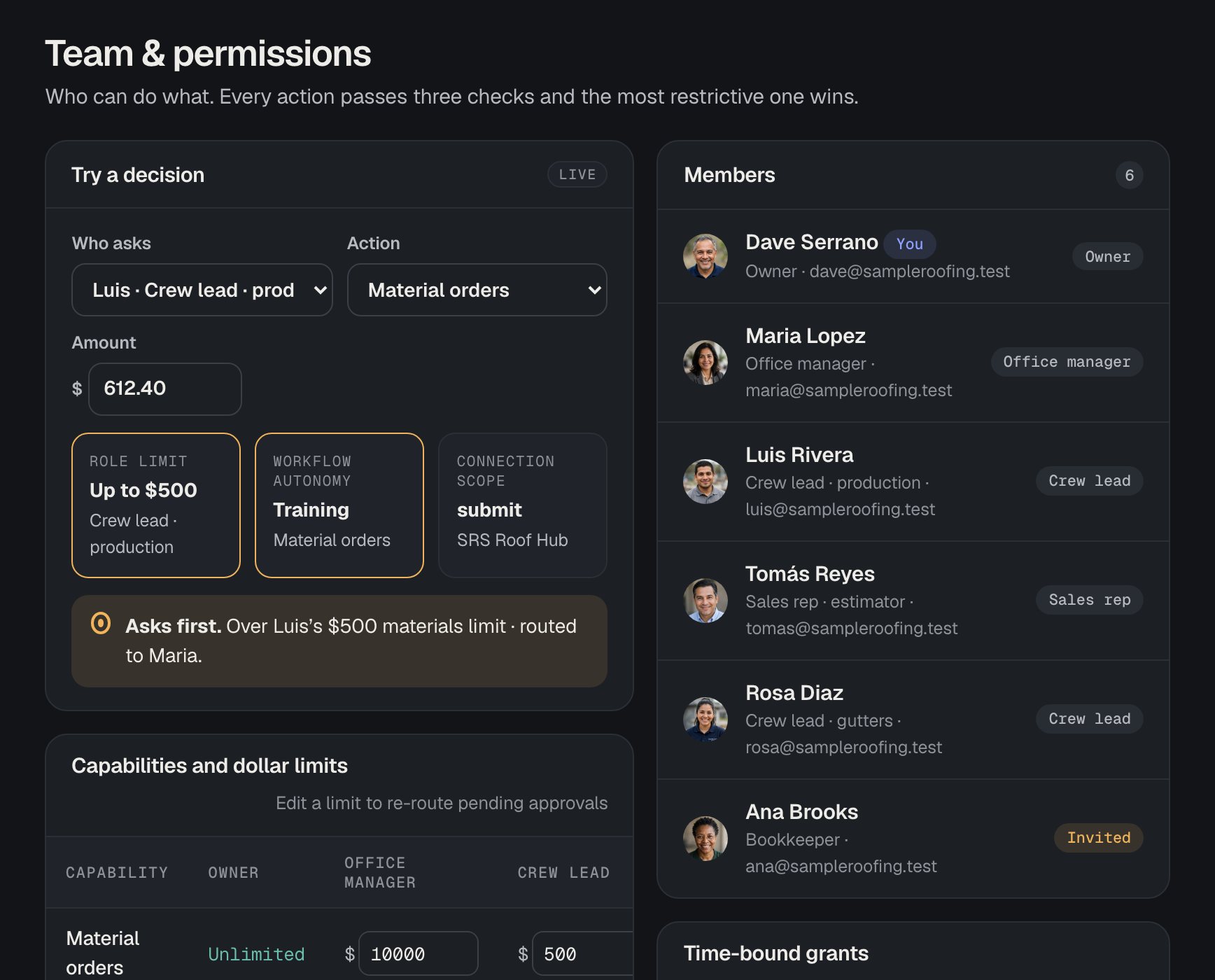
Your whole team uses the same Alvin, each from their own login, and Alvin knows who’s asking. Owner, office manager, dispatcher, tech, sales rep or estimator, and bookkeeper each start with sensible defaults that the owner can change.
Limits are set per action, in dollars: send an invoice, place an order, issue a refund, change a price, pay a permit fee. The owner can also grant time-bound authority, like letting the office manager approve orders up to $5,000 this week.
Approvals
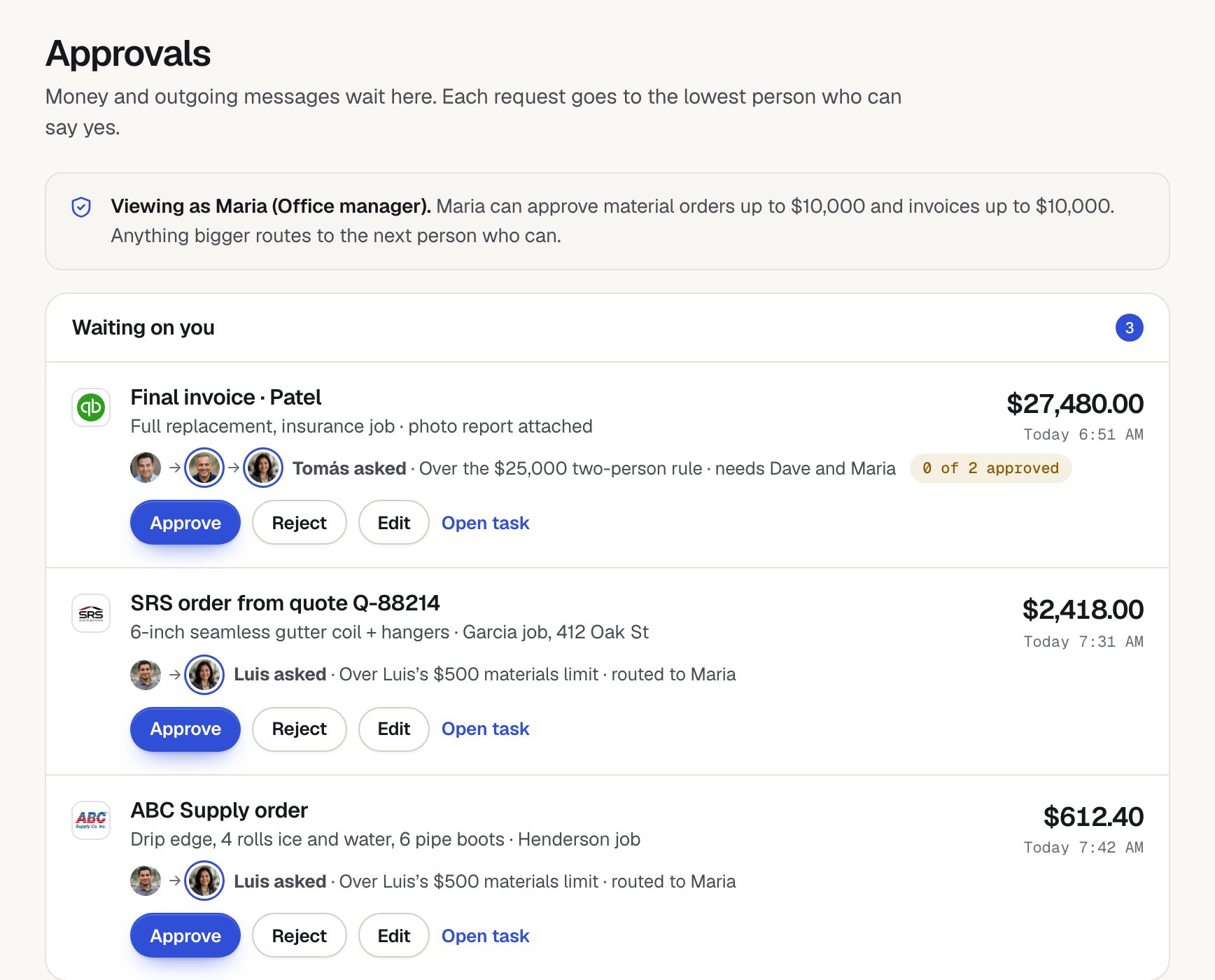
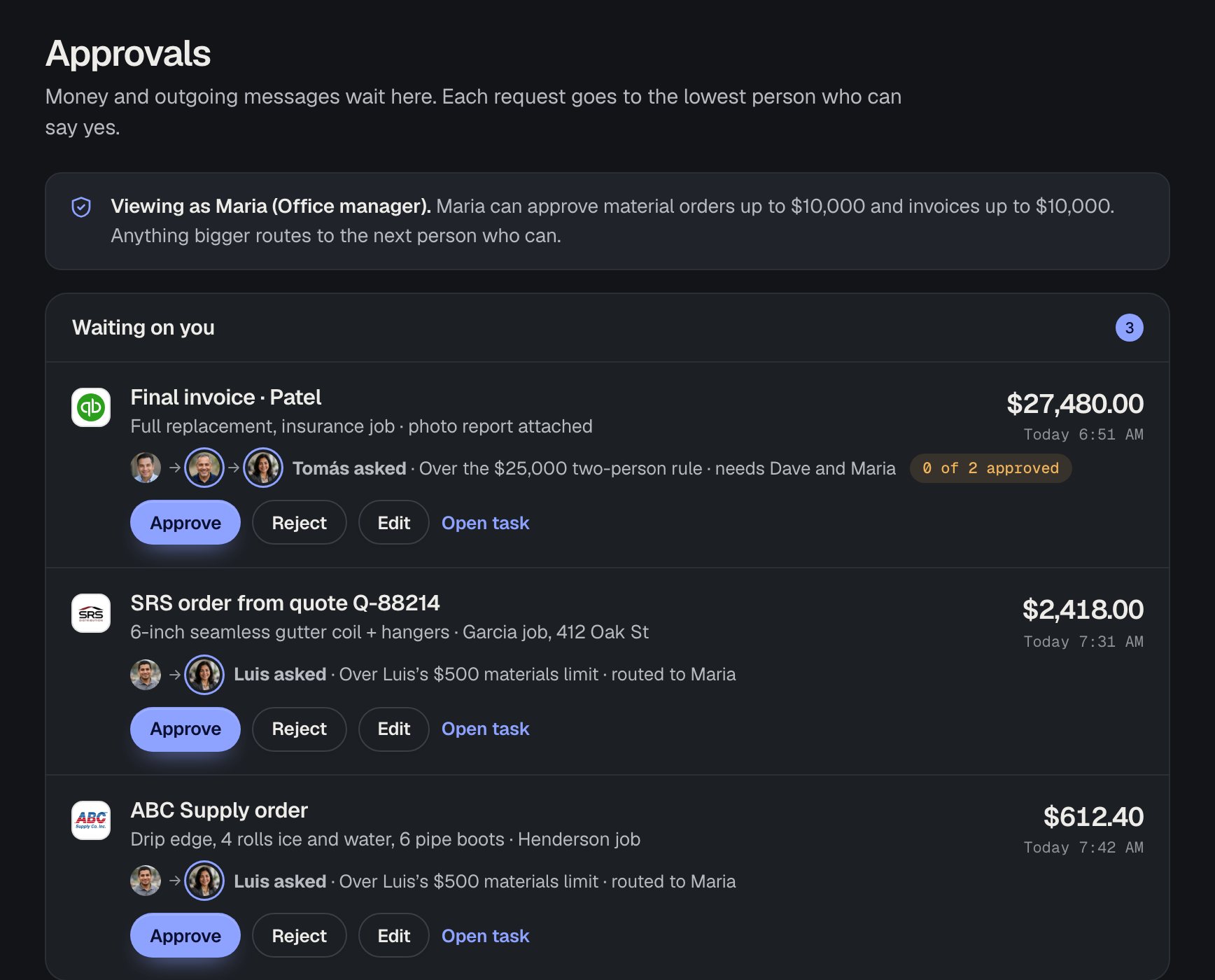
Purchases, invoices sent, refunds, payment links, price changes, permit fees and card charges wait for a person by default. When a request is over the asker’s limit, it goes to the right person:
- Lowest authority first. It goes to the person with the smallest limit that covers the amount, not straight to the owner.
- Escalation. If nobody answers before it expires, it moves up a level. The owner is last.
- Two-person rule, if you want it. Above an amount you set, an action can need two approvals.
- No approving yourself. Nobody can approve their own request above their own limit, and Alvin is never an approver.
- Fail closed. If there’s no rule for an action, Alvin asks.
- Safe email approvals. Approval emails carry a signed, single-use link that expires and opens the app to confirm. A reply that says “yes” never approves anything.
Watch and stop
Every task shows its work log as it runs. When Alvin uses a browser for a portal with no direct connection, you can watch the screen live.
- Stop anytime. Stop halts the task before the next step.
- A hard pause before money. Alvin pauses before any submit that spends money, until it’s approved.
Receipts
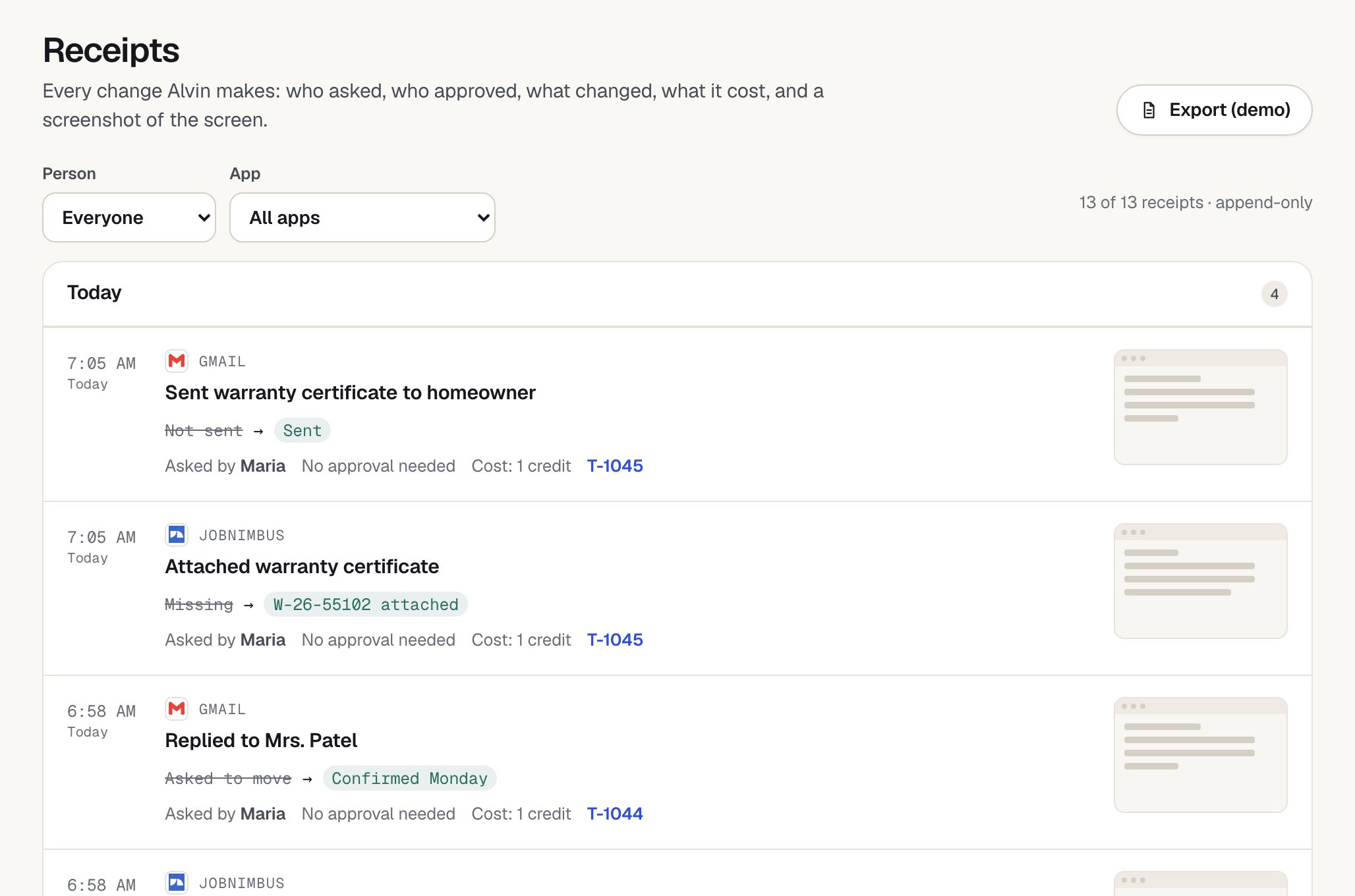
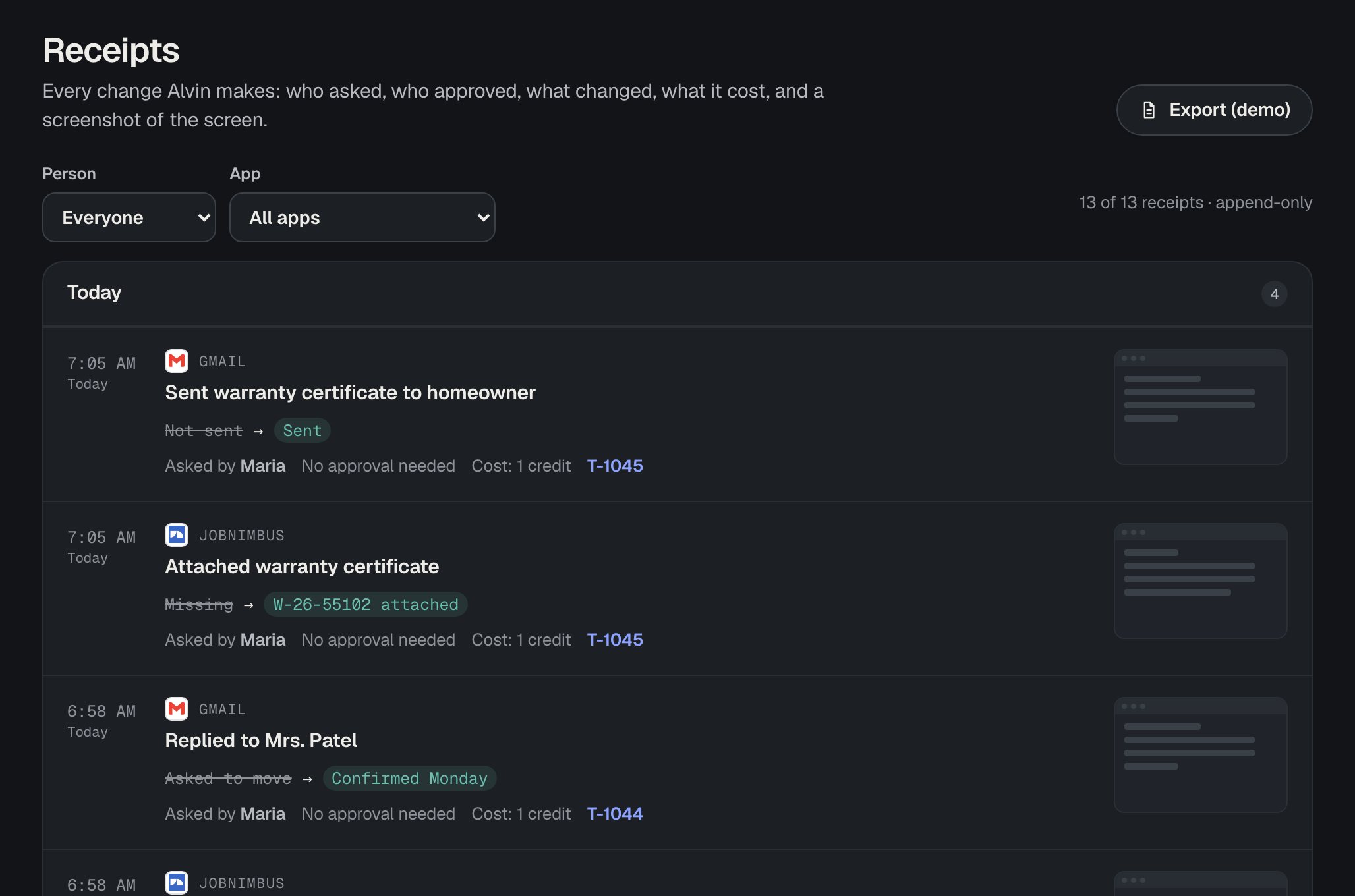
Every action gets a receipt: who asked, who approved, what changed (before and after), where and when, with screenshots of the screens Alvin touched.
- Append-only. Receipts can’t be edited or deleted.
- Always on. Limits can go up or down, but nobody can turn the log off.
- Exportable. Your bookkeeper can export every step, approver and timestamp.
Forwarded email
Each business gets its own intake address. A forwarded email counts as a request from your team only when the sender’s address matches an active team member and the message passes SPF and DKIM checks.
- Their limits apply. A forwarded email never gets more permission than the person who sent it.
- Strangers are held. Email from an unknown or unverified sender goes to the owner as unverified and is never acted on.
Money and custody
We never hold, route or take custody of your funds. Money moves only through your own accounts, after the approvals your rules require. You stay the account holder, buyer and merchant of record for every purchase, invoice and payment.
Your data
Your business data stays in your apps. Alvin works inside QuickBooks, your CRM and your supplier accounts, without replacing them or moving your records out of them.
What Alvin remembers about your business, like customers, jobs, prices and preferences, is visible in the app. You can edit any fact or have it forgotten. Read the privacy policy for the details.
Licensed work
Alvin stays on the paperwork side, documenting and following up, and doesn’t negotiate insurance claims, give legal advice, or perform or sign licensed electrical, plumbing, pesticide or inspection work. Anything that needs a license or a signature goes to your licensed person.
People you can reach
If something looks wrong, a real person on our team helps. Every action has a receipt, so we can see exactly what changed. Alvin undoes it where the app allows, and we help fix the rest.
Report a security issue
Found something that looks like a vulnerability? Send us your contact details through the form on the pilot page and say it’s a security report. We’ll reach out to get the details privately.
See the controls on your own apps.
On the pilot call we walk through your vault, your roles and your limits before Alvin touches anything.