Why monthly charges pile up
Every tool a home service company signs up for bills a little each month. A field app, a call tracker, a second phone line for the slow season, a trial that rolled into a plan. Each one looks small on the card statement. Together they can add up to a real number, and price increases arrive quietly in an email nobody reads. Nobody goes looking until the year-end review with the accountant, and by then it’s twelve months of charges.
What Alvin does
- Reads your expenses by vendor. Month by month from QuickBooks, over the last 6 or 12 months.
- Keeps only the steady charges. A vendor counts when it bills about the same amount in most months. Suppliers whose bills swing with the work aren’t subscriptions, so they’re left out.
- Shows the year, not just the month. $179 a month reads small. $2,148 a year doesn’t.
- Flags what’s worth a look. A price that went up (from what, to what), a month at about double the usual (often a double charge), a charge that stopped, and a vendor that’s new.
- Leaves the decision to you. Alvin never cancels, downgrades or disputes a charge.
Example
Example findings for a sample plumbing company. Vendors and numbers are examples.
9 vendors charge you every month: $2,860 a month, about $34,320 a year. 2 went up in price, $540 more a year. 1 had a month at about double the usual: worth a look for a double charge.
- Example field software: went up from $149.00 to $179.00 a month (20.1%).
- Example phone service: went up from $45.00 to $60.00 a month.
- Example call tracking: August came in at $398.00, about 2× the usual: check for a double charge.
The PDF also has the full list: every monthly charge, what it costs a month and a year, how many months it charged, and when it last did.
Rules it never breaks
These are built in. No setting turns them off.
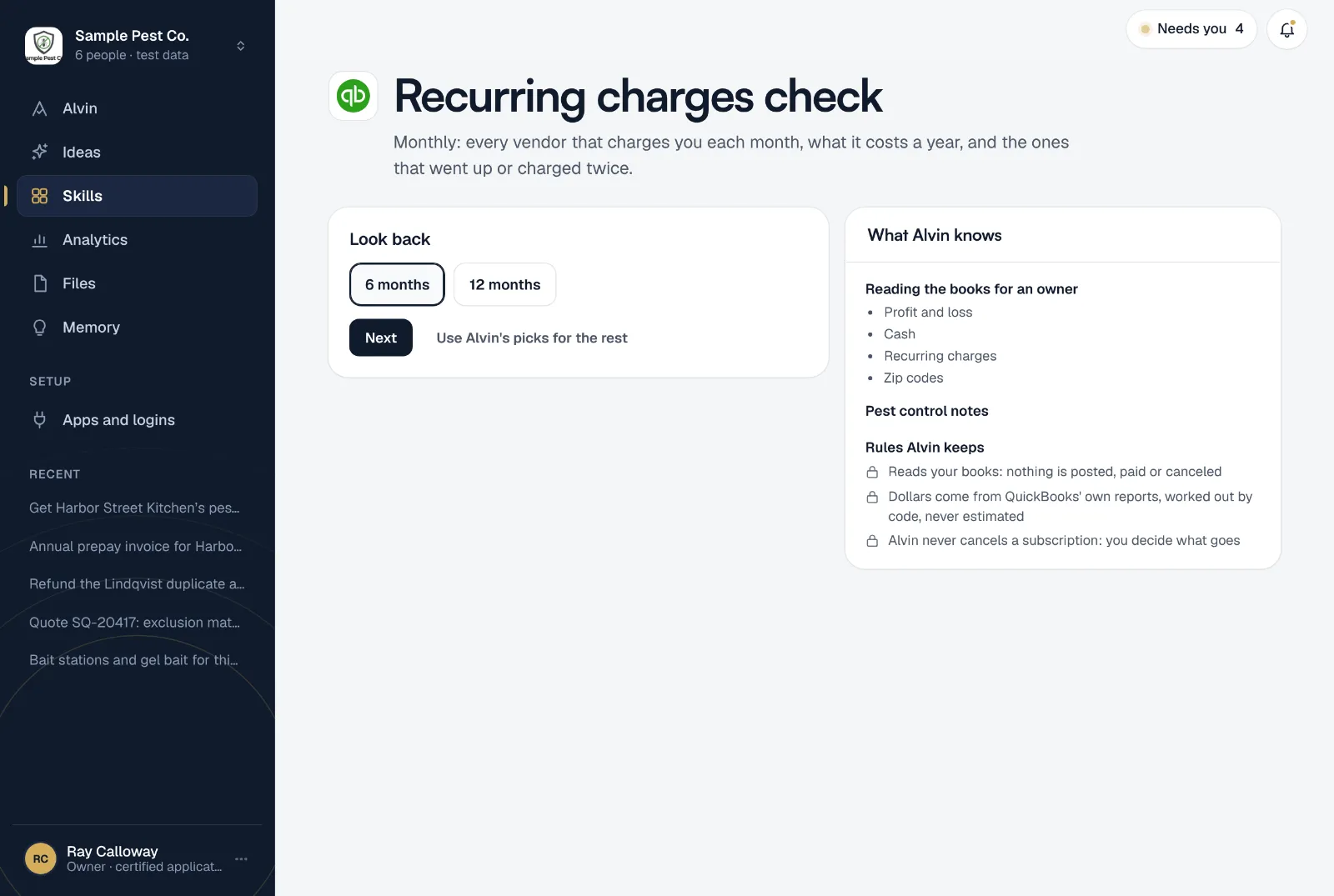
- Reads your books: nothing is posted, paid or canceled
- Dollars come from QuickBooks' own reports, worked out by code, never estimated
- Alvin never cancels a subscription: you decide what goes
Your settings
Every setting starts on a default that works:
- Look back: 6 months or 12 months.
- Leave out: vendors you already know about, like rent or payroll, one per line. Optional.
- Who gets it: the teammates who should see it, in the app and on their phone.
It runs on the 10th of each month at 8:00 AM. Only an owner or office manager can set it up.
Frequently asked questions
Will Alvin cancel subscriptions for me?
No. Alvin lists them and flags the ones worth a look. Canceling, downgrading or disputing a charge is always your call, and you do it with the vendor.
How does it tell a subscription from a supplier?
A subscription bills about the same amount in most months. A supplier’s bills go up and down with the work, so they don’t count. It needs at least three months of charges to call something recurring.
Does it read my bank or card statements?
It reads your expenses by vendor from QuickBooks. If a card charge never made it into QuickBooks, it won’t show up here.
What does “double charge” mean in the report?
A month that came in at about twice the usual amount. Sometimes that’s a real double charge, sometimes an annual fee or an extra seat. Alvin flags it; you check the invoice.
Can I hide rent and payroll?
Yes. Add them to “Leave out”, one per line, and they’re skipped. You can change the list any time from the skill’s settings.
Does it catch yearly renewals?
No. A charge that comes once a year doesn’t bill in most months, so it doesn’t show as a monthly charge. The report says so at the bottom.
Find out what charges you every month.
Connect QuickBooks, pick how far back to look, and see your list before you finish setting up.