Why job costing slips
A profit and loss statement tells you the company made money last month. It doesn’t tell you which jobs made it and which ones gave it back. That answer lives in the bills: a supplier invoice that covers two roofs, a dump fee paid on a card, a material bill that was never coded to anyone. Most owners mean to sit down with QuickBooks and sort it out, and the month closes before they do. By the time a job looks thin, the crew has already done three more like it at the same price.
What Alvin does
- Reads your books on the 1st. Invoices, supplier bills and expenses from QuickBooks, for every job with any activity last month.
- Works out each job, job to date. Revenue, the costs recorded on the job, gross profit, margin and the balance the customer still owes. Code does the math from QuickBooks’ own numbers. Nothing is estimated.
- Finds the bills that aren’t on a job. For each supplier bill or expense with no job on it, Alvin names the job it most likely belongs to and why (the job name or the PO on the bill). Bills it can’t place get their own list.
- Sends the PDF. The people you named get it in the app and on their phone. Nothing in QuickBooks changes: the report only reads.
Want the loose bills put on their jobs? Ask Alvin to do it. You see the exact list first, and nothing is recorded in QuickBooks until you approve it.
Example
Example report for a sample roofing company. Names and numbers are examples.
Scroll sideways to see every column.
| Job | Revenue | Costs | Gross profit | Margin | Still owed |
|---|---|---|---|---|---|
| Parker re-roof | $18,400 | $12,150 | $6,250 | 34.0% | $0 |
| Alvarez re-roof | $15,200 | $12,600 | $2,600 | 17.1% | $0 |
| Nguyen leak repair | $2,900 | $1,180 | $1,720 | 59.3% | $2,900 |
Supplier bills not on a job yet: Example Supply Co., $1,840, likely job: Alvarez re-roof. Why: the PO on the bill is the Alvarez proposal.
The Alvarez margin is low, and there’s still a material bill that belongs to it. Once that bill is on the job, the margin drops further. That’s the kind of thing the report is for: one look tells you which job to ask questions about.
Rules it never breaks
These are built in. No setting turns them off.
- Reads your books: nothing is posted or paid
- Dollars are worked out by code from your books, never estimated
Your settings
There is one setting, so setup takes about a minute:
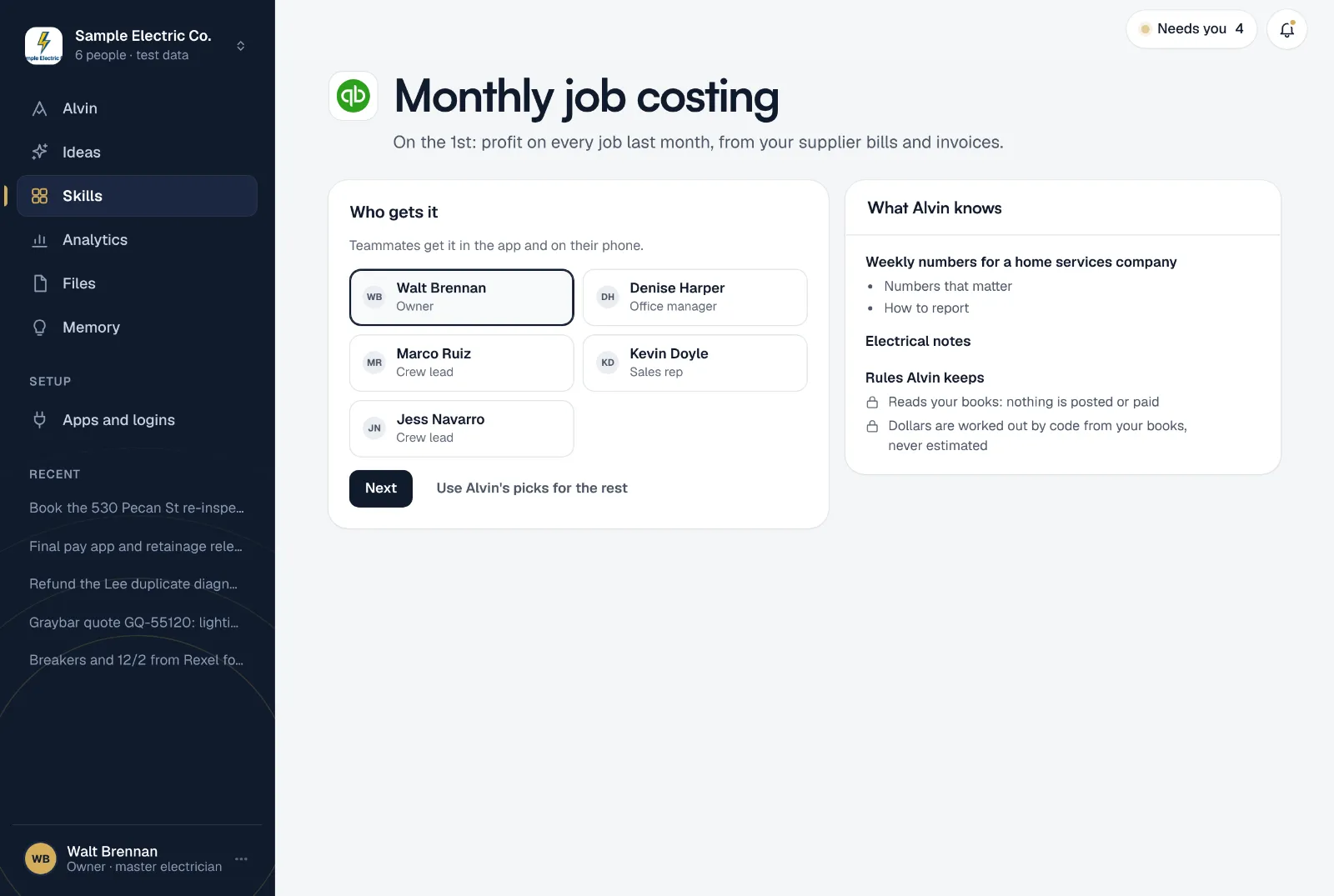
- Who gets it: the teammates who should see the report. They get it in the app and on their phone.
It runs on the 1st at 7:00 AM and covers last month. You can change the schedule from the skill’s menu. Only an owner or office manager can set it up, since it reads the company’s books.
Frequently asked questions
Does Alvin change anything in QuickBooks?
No. The monthly report only reads your books. Putting a loose bill on a job is a separate step you ask for, and it waits for your approval of the exact list before anything is recorded.
Where do the costs come from?
From the bills and expenses recorded on each job in QuickBooks. Revenue comes from the job’s invoices. If a cost was never entered in QuickBooks, it can’t show up, so the report also lists supplier bills that have no job yet.
Why is a job from months ago in this month’s report?
Every job with an invoice, bill or expense last month is listed, and its numbers are job to date. A late material bill on an old job brings that job back so you see its real margin.
Does it work without QuickBooks?
Not yet. This skill reads QuickBooks Online. If you use other books, Alvin can still chase unpaid invoices from many job and invoicing apps.
What margin should a job have?
It depends on your trade, your overhead and how you count labor and commission. The report shows what each job actually made; our free job profit calculator helps you work out a target.
See what every job made last month.
Connect QuickBooks, pick who gets the report, and read the first one before you finish setting up.