Why invoices go unpaid
Most late customers aren’t refusing to pay. The invoice got buried, the card on file expired, or they meant to do it after the weekend. A reminder fixes most of these. The trouble is that nobody in a small office likes sending them, so they go out late, or in a tone that reads annoyed, or not at all. Meanwhile the money you already earned sits in someone else’s account while you pay for materials and payroll.
What Alvin does
- Checks who owes you, every weekday. Alvin reads open invoices from your books or job software. The dollars and days late are worked out by code, not guessed.
- Picks the right step. A friendly reminder at 1 day late, a direct note with the amount at 7 days, and at 14 days a firmer one that asks if anything about the work isn’t right. Each step goes once.
- Shows you every email. One approval with the exact words for the whole batch. Approve, edit or skip any of them.
- Checks again before sending. Right before the emails go, Alvin looks at the books once more. An invoice paid this morning gets nothing.
- Hands the long ones to you. At 30 days late, the invoice comes to you with its history. What happens next is your decision, never another automatic email.
Alvin never takes payments. The reminder carries your pay link from your own payment account, and the money goes straight to you.
Example
Example reminder at 7 days late, for a sample roofing company. Names, numbers and the link are examples.
Subject: Invoice 1042: $2,900.00 past due
Hi Sam,
Our records show invoice 1042 for $2,900.00 is now a week past its October 14 due date.
You can pay here: https://pay.example.com/sample-roofing
If you’ve already paid, thank you, and please ignore this note.
Maria
Sample Roofing Co.
Rules it never breaks
These are built in. No setting turns them off.
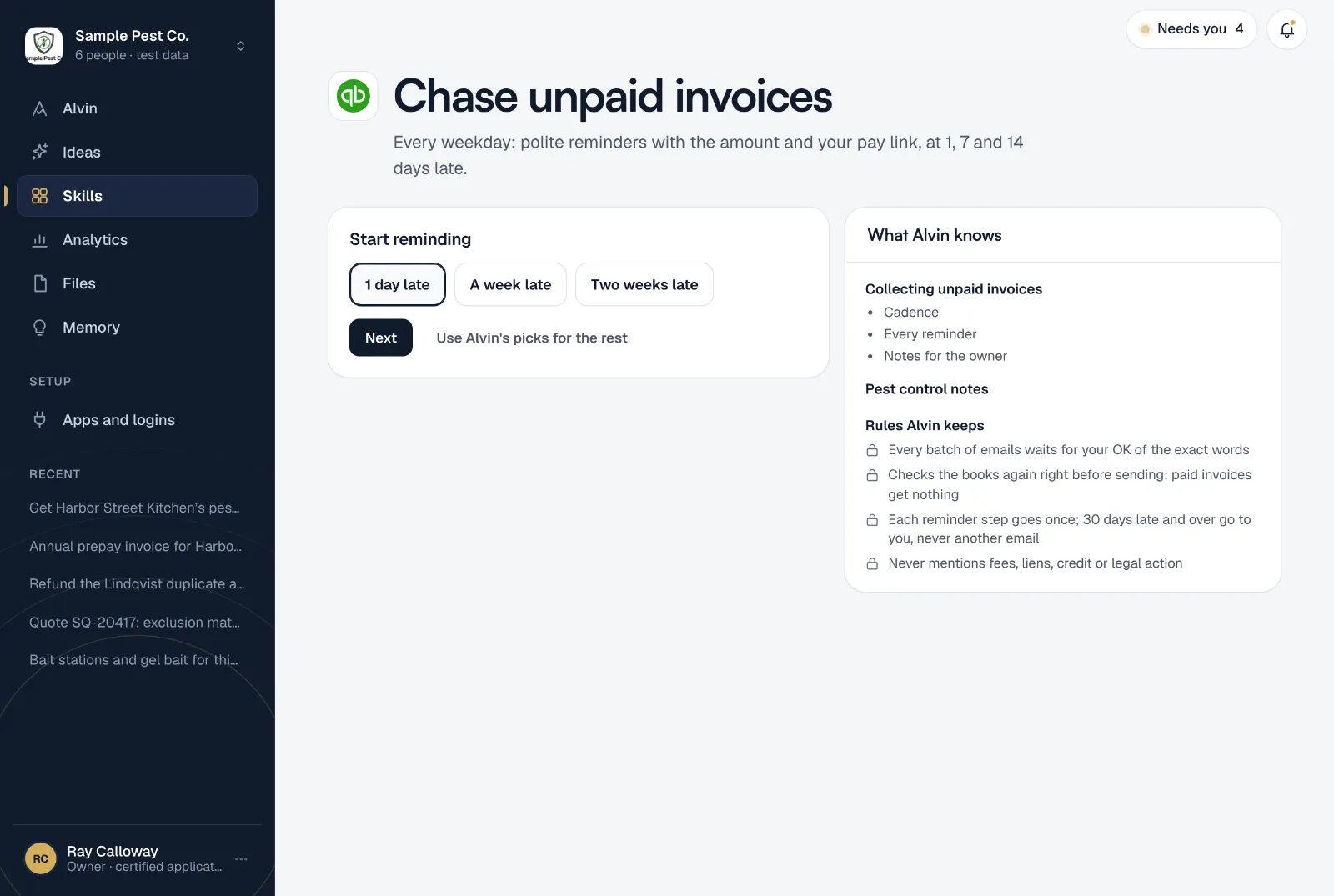
- Every batch of emails waits for your OK of the exact words
- Checks the books again right before sending: paid invoices get nothing
- Each reminder step goes once; 30 days late and over go to you, never another email
- Never mentions fees, liens, credit or legal action
Your settings
Every setting starts on a default that works, so setup takes about two minutes:
- Start reminding: 1 day late, a week late, or two weeks late.
- Your pay link: from your own payment account. Optional; without one, the email offers to send the invoice again.
- Signed by: the teammate whose first name goes at the end of every email.
- Never contact: customers Alvin leaves alone, one per line, like a property manager you handle yourself.
- How messages are written: standard words, the same every time, or in your voice. In your voice, Alvin rewrites each one and keeps the exact amounts, invoice numbers and links.
It runs weekdays at 9:00 AM. One setup per company, and only an owner or office manager can set it up. While you’re setting it up, Alvin shows who owes you money today and the reminder each one would get.
Frequently asked questions
Will Alvin send reminders without asking me?
No. Every batch waits for your OK of the exact words. Nothing goes out until someone approves it.
Does it work with QuickBooks, Jobber or Housecall Pro?
Yes. Alvin reads open invoices from QuickBooks and from a range of invoicing and job apps, including Jobber, Housecall Pro and ServiceTitan. The emails go out from your own Google Workspace or Microsoft 365 mailbox.
Will the reminders mention late fees or collections?
Never. The reminders don’t mention fees, liens, credit or legal action. They state the invoice, the amount and how to pay, and the 14-day one asks if anything about the work needs fixing.
What happens after 30 days?
The invoice is handed to you with the reminders already sent. A payment plan, a phone call or anything further is your call. Alvin doesn’t give legal advice.
Does Alvin collect the money?
No. You stay in charge of your money. Customers pay through your own pay link or however they normally pay you, and Alvin never holds funds.
Can I write my own reminder instead?
You can edit any email before you approve it. For a one-off message, our free payment reminder generator gives you a text and an email to copy.
Get paid without the awkward emails.
Connect your books and your mailbox, add your pay link, and see who owes you before you finish setting up.