Why asking every customer matters
Happy customers rarely think to leave a review on their own. They need to be asked, and asked while the job is fresh, not a week later. The crew means to mention it, the office means to send the link, and on a busy day neither happens. Reviews then come in bursts, while homeowners comparing companies on Google look for a steady run of recent ones before they call.
What Alvin does
- Finds yesterday’s finished jobs. From the jobs your software marked done, or, in GoHighLevel, the ones that moved to your job-completed stage.
- Writes a short, personal ask. From a real person on your team, naming the job, with your direct Google review link and nothing else to click.
- Picks the channel. A text from your texting app when the customer has a mobile number and hasn’t opted out, else an email from your own mailbox. Texts wait out quiet hours.
- Waits for your OK. You see the exact words for the whole batch and approve, edit or skip.
- Asks each customer once. No second message, and anyone on your never-contact list is left alone.
Example
Example text for a sample roofing company, with the standard words.
Hi Jenna, it’s Luis from Sample Roofing Co. Thanks for choosing us for your roof replacement! If you have a minute, a Google review would mean a lot: https://g.page/r/sample-roofing/review
Customers without a mobile number get a short email instead, thanking them for choosing the company and asking for a review, signed by the same person.
Fair to every customer
Google calls it review gating when a business asks “how did we do?” first and sends only the happy customers to Google, and its policies prohibit it. Offering a discount or gift for a review, or asking for a star rating, is also against Google’s rules. Alvin asks every customer the same way, with no incentive and no star request. That’s built in, and no setting turns it off.
Rules it never breaks
These are built in. No setting turns them off.
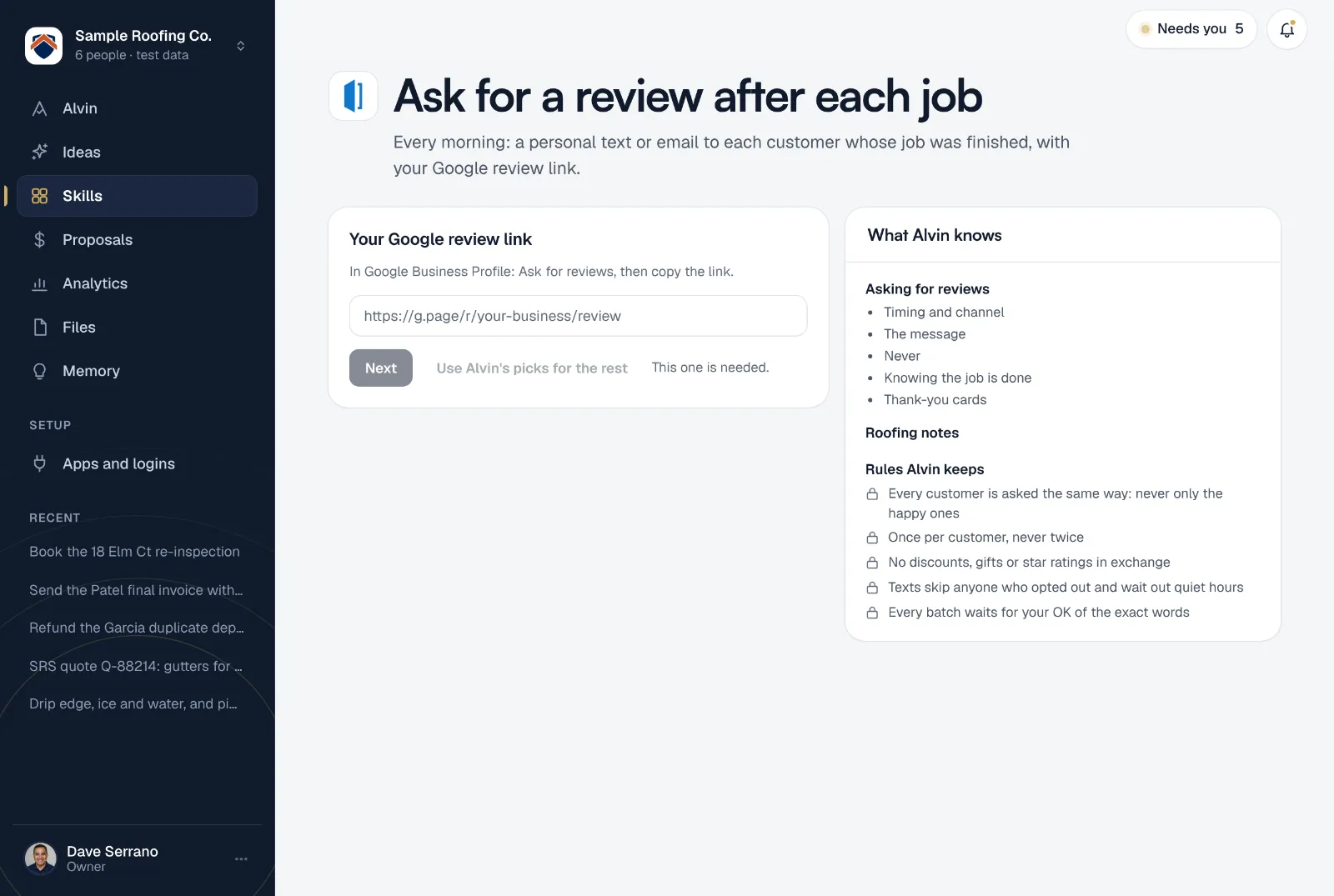
- Every customer is asked the same way: never only the happy ones
- Once per customer, never twice
- No discounts, gifts or star ratings in exchange
- Texts skip anyone who opted out and wait out quiet hours
- Every batch waits for your OK of the exact words
Your settings
Paste your review link and the rest starts on defaults:
- Your Google review link: in Google Business Profile, choose Ask for reviews and copy the link.
- How to ask: text if they have a mobile, else email; text only; or email only.
- Signed by: the teammate whose first name ends every message.
- Never contact: customers Alvin leaves alone, like a property manager you work with every week.
- How messages are written: standard words, the same every time, or in your voice, where Alvin rewrites each one and keeps the link exact.
- GoHighLevel stage (optional): only if your jobs live in GoHighLevel. Left blank, any stage named Completed, Job completed or Done counts.
The owner or office manager sets it up, once for the whole company. While you do, Alvin shows yesterday’s finished jobs and the ask each customer would get.
Frequently asked questions
When is the best time to ask for a review?
Soon after the job, while it’s fresh. Alvin checks every morning for jobs finished since yesterday, so most customers hear from you the next day.
Is it better to ask by text or by email?
Texts tend to get more reviews, but only send them to customers who haven’t opted out. Alvin texts when there’s a mobile number and no opt-out, and emails everyone else.
Will customers get a reminder if they don’t leave a review?
No. Each customer is asked once. One clear ask is enough, and nobody wants to be chased for a favor.
Will customers know the message came from Alvin?
The message comes from your business: a text from your texting app or an email from your own mailbox, signed with your teammate’s first name. Alvin writes and sends it; your customer hears from your company.
What about replying to the reviews that come in?
The review reply skill drafts a reply to each new review in your voice and hands unhappy ones to a person.
Ask every customer, starting tomorrow.
Connect your job software, paste your review link, and see the asks for yesterday’s jobs before you finish setting up.