Why a weekly report beats five logins
The numbers that tell an owner whether marketing is working live in different places. Search Console has the searches, Google Analytics has the visits, the Business Profile has the calls from Maps, the call tracker has the leads. Checking them all takes an hour nobody has on a Monday, so most weeks nobody does, and a slow month shows up only when the schedule goes quiet. An agency report helps, but it often arrives late, runs ten pages and leaves you asking what to actually do.
What Alvin does
- Reads Google search. Clicks, impressions, average position and top searches from Search Console, plus the pages sitting just off page one, where a little work goes furthest.
- Reads website traffic. Visits, visitors and channels from Google Analytics, always with Analytics’ own check on whether the traffic looks real.
- Reads your Google Business Profile. Calls, website clicks and direction requests from your listing.
- Reads where leads came from. Calls and web forms by source from CallRail, and form submissions from HubSpot when it’s linked.
- Reads AI visibility. How often AI assistants name your company, from Mentioned.
- Writes one page and sends it. What changed, a few next steps drawn from the numbers, then each section. It’s a PDF in your company’s look, delivered in the app with a phone notification, by email, or both.
Example
Example report summary for a sample roofing company. Names and numbers are examples.
Scroll sideways to see every column.
| Number | Last week | Week before | Source |
|---|---|---|---|
| Google search clicks | 412 | 368 | Search Console |
| Website visits | 1,190 | 1,240 | Google Analytics (traffic looks real) |
| Calls from the Google listing | 37 | 29 | Business Profile |
| Tracked calls | 22 | 18 | CallRail |
| Share of AI answers naming you | 24% | 21% | Mentioned |
What to do next: “Roof repair round rock” is at position 11, just off page one, with 640 impressions. Refreshing the roof repair page is the cheapest win this week. Calls from your Google listing are up 28%: keep posting finished jobs there.
Not measured this week: web forms (HubSpot isn’t linked).
Rules it never breaks
These are built in. No setting turns them off.
- Every number names where it came from
- Anything not connected is listed as not measured, never guessed
Your settings
Two choices, and both start on a default that works:
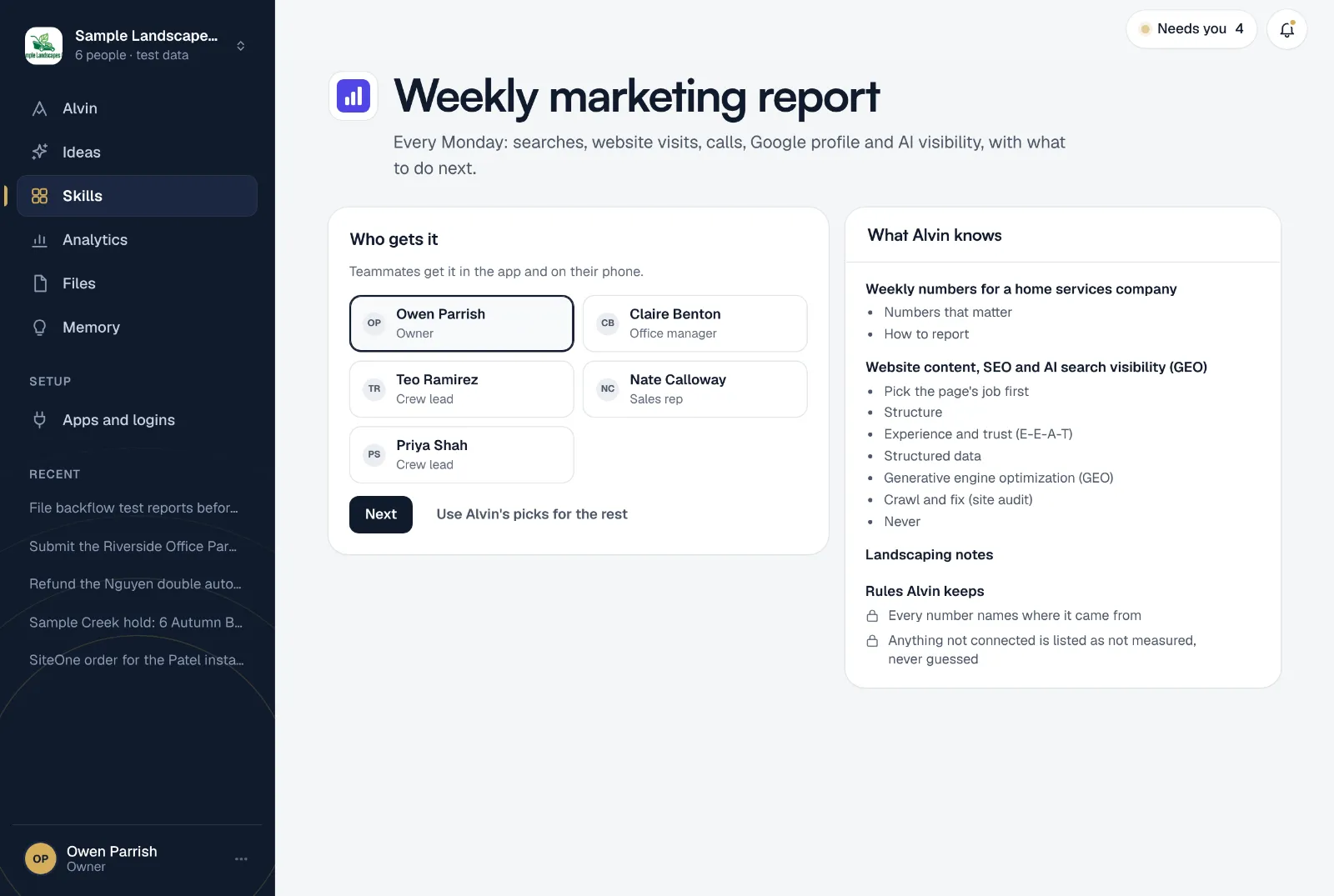
- Who gets it: pick teammates. They get it in the app and on their phone.
- How they get it: in the app, by email, or both.
Connect whatever you have. The first report runs while you set it up, from the apps already connected, so you see the page before Monday.
Frequently asked questions
What should a weekly marketing report include?
A handful of numbers with last week’s change: searches and clicks, website visits, calls and forms by source, Google listing activity and reviews. Each number should say where it came from and what dates it covers, and the report should end with one or two things to act on.
Do I need every app connected?
No. The report runs on whatever is connected. Anything missing shows up as “not measured” with a way to connect it, so a blank never passes for a zero.
Can Alvin send the report to my marketing agency?
Yes, by email from your company’s mailbox. Emails to anyone outside the company wait for your approval before they go.
Does Alvin make up numbers when data is thin?
No. Every number names its source, and money is worked out by code from the source data. If an app isn’t connected or doesn’t answer, the report says so.
Can I get it on a different day?
Yes. It runs Mondays at 7:00 AM by default. You can change the schedule from the skill’s menu, or run it any time from the skill page.
Know what your marketing did last week.
Connect the apps you have, choose who gets the report, and read this week’s page before you finish setting up.