Why a website needs a weekly check
Websites break quietly. A page gets renamed and every link to it now lands on a 404. A plugin update adds a stray noindex. A new hero photo makes the home page slow on phones. Nobody at a roofing or HVAC company is watching for this, and the web designer only hears about it when the phone stops ringing. A technical audit once a year finds problems that have been costing calls for months.
What Alvin does
- Crawls the site. Through SiteWide, which brings your Search Console, Analytics and a site crawler together, Alvin checks every page it can reach.
- Re-checks before calling anything broken. When many pages fail at once, Alvin loads a few again first. If they work now, it was an outage at your host, not a broken site, and no fixes are proposed.
- Proposes only the safe fixes. Mechanical changes, like a missing canonical tag on a WordPress page, shown before and after. Nothing changes yet.
- Applies them after your OK. One change at a time, and every batch can be undone.
- Lists what needs a person. Titles, descriptions, headings and image alt text are your company’s words, so Alvin lists those pages and leaves the writing to you. Broken pages get a note to fix the page or add a redirect; server errors go to your web host or developer.
Example
Example weekly check for a sample HVAC company. Page counts are examples.
Scroll sideways to see every column.
| Finding | Pages | What happens |
|---|---|---|
| Missing canonical tag | 6 | Proposed fix, shown before and after. Applied after your OK. |
| Broken internal links (404) | 3 | Needs a person: fix the page or add a redirect. |
| Missing meta description | 9 | Needs a person: listed with each page. |
| Images without alt text | 14 | Needs a person, from the real photos. |
The run ends with a short report: proposed fixes, what was applied, and what needs a person.
Rules it never breaks
These are built in. No setting turns them off.
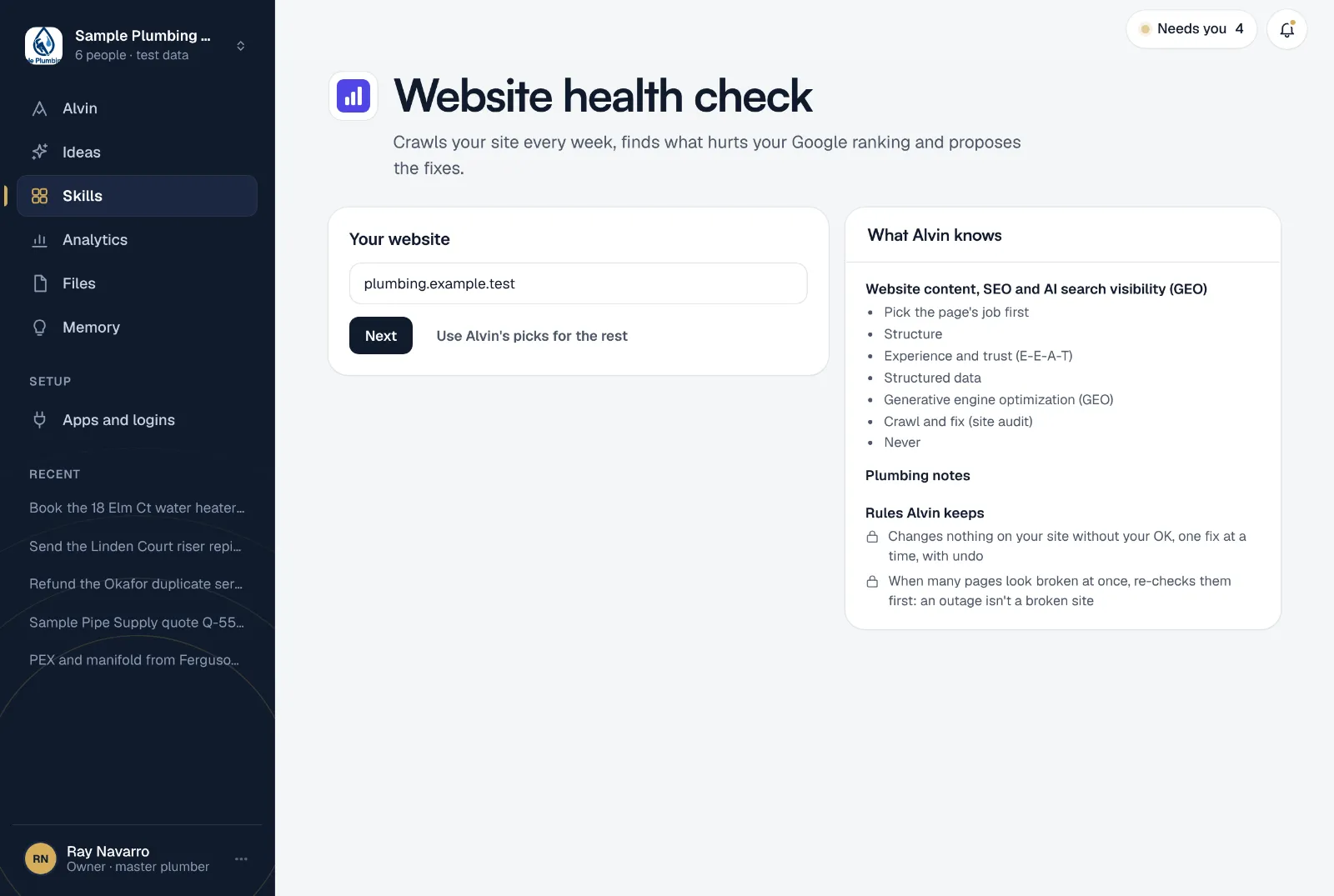
- Changes nothing on your site without your OK, one fix at a time, with undo
- When many pages look broken at once, re-checks them first: an outage isn't a broken site
Your settings
One setting:
- Your website: the address, like sampleheatingair.com.
The first check runs while you set it up, so you see what’s broken on your site today before the weekly schedule starts.
Frequently asked questions
What does a website SEO health check look for?
Pages Google can’t find or index, broken links, redirect problems, wrong or missing canonical tags, missing or overlong titles and descriptions, thin pages, missing alt text and slow pages on phones. The checks follow the same order an SEO would: what stops pages being found first, polish last.
Will Alvin change my website without asking?
No. Every change waits for your OK, is applied one at a time, and can be undone. Writing, like page titles and descriptions, is left to a person.
Does my site need to be on WordPress?
The check works on the site SiteWide crawls. The fixes Alvin can apply are for WordPress pages. If your site is built somewhere else, the findings come as a list for whoever builds it.
What if my site was just down?
Alvin re-checks a few pages before reporting a wave of broken ones. If they load on the second try, it reports an outage and proposes no fixes.
Will fixing these get me to the top of Google?
Nobody can promise a ranking. Fixing what stops Google from reading your pages removes a reason to rank lower, and the weekly check keeps new problems from piling up.
See what’s broken on your site this week.
Connect SiteWide, type your website, and read the first check before you finish setting up.