Why a dashboard isn't enough
A dashboard shows numbers and leaves you to work out what to do. The recap starts from the other end: the run that broke, the app to reconnect, the approval waiting since Thursday, the money still owed. Then the numbers, each one beside last week, so you can see what moved.
What's in it
- Needs you. Runs that stopped on an error, apps a skill can't run without, approvals and hand-offs waiting, and money stuck in unpaid invoices or open estimates.
- Scorecard. Tasks finished, hours saved, skill runs, errors and approvals decided, each with last week beside it.
- What your skills found. Quoted from each skill's own run this week, with the day it ran.
- What your apps show now. Open estimates, unsigned contracts, calls by source, who owes you and bills due, from the apps you connected.
- Worth turning on. The skills Alvin would set up next, ready on what you've connected first.
Example
Example recap for a sample roofing company. Every number is an example.
Week of Nov 16 to Nov 22: 14 tasks finished (9 the week before), about 6 hours saved (an estimate), 3 things need you.
Fix: Missed calls to call back stopped because CallRail refused the key.
Approve: the reminder to an example customer, waiting 4 days.
Worth turning on: Follow up on open estimates, ready on the apps you've connected.
Rules it never breaks
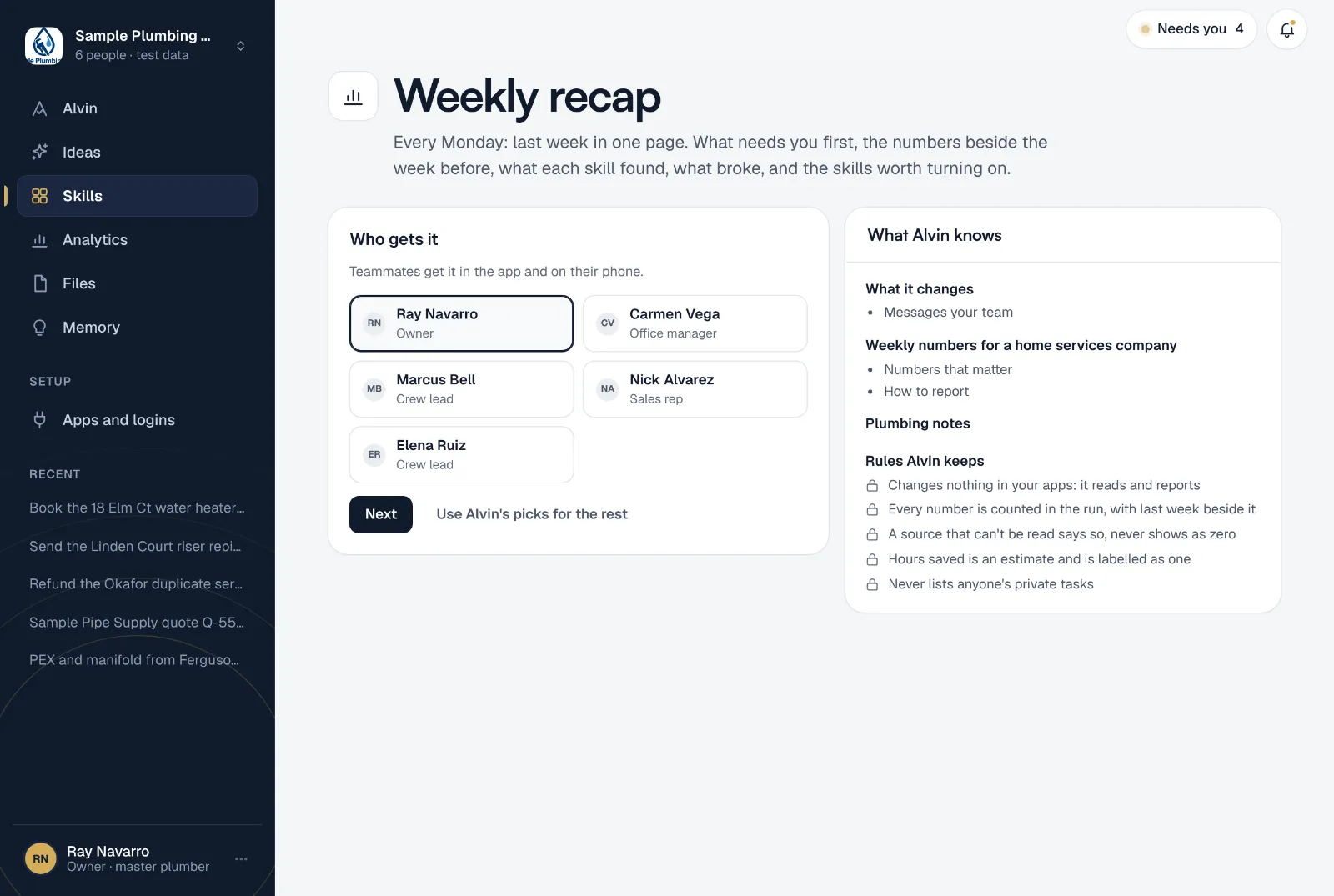
These are built in. No setting turns them off.
- Changes nothing in your apps: it reads and reports
- Every number is counted in the run, with last week beside it
- A source that can't be read says so, never shows as zero
- Hours saved is an estimate and is labelled as one
- Never lists anyone's private tasks
Your settings
- Who gets it: the teammates who should read it, in the app and on their phone.
Frequently asked questions
Where do the numbers come from?
Every number is counted when the recap runs, from your own account and your connected apps. Hours saved is the one estimate, and it says so. A source Alvin can't read is marked as unavailable, never shown as zero.
Does it change anything?
No. It reads and reports. Each item links to the page where you or your team act on it.
Start Monday knowing what needs you.
Turn it on in a minute and read last week before your first call.