Why the first ten minutes matter
Most owners start the day by opening four apps: the schedule, the call log, email, maybe the review inbox. By the time they’ve pieced it together, the first crew has already called with a question. The things that slip are the quiet ones: an estimate nobody followed up on, a caller who never got a call back, a contract still sitting unsigned. A single page you read with your coffee catches them before they cost you a job.
What Alvin does
- Reads today’s jobs. From your job software: who’s on the schedule, when, and which crew has it.
- Lists open estimates. The ones still waiting on an answer, so they don’t go cold.
- Shows yesterday’s missed calls. From your call tracking, with the number and where the call came from.
- Adds your day. Today’s meetings from your calendar, and what’s waiting on you, like a review to answer or a contract not signed yet, when those apps are connected.
- Skips what isn’t connected. No call tracking? That section is left out, not guessed. Every line comes from an app you connected.
Example
Example brief for a sample heating and air company. Names and numbers are examples.
Morning brief, Tuesday
Today’s jobs (5). 8:00 AM furnace tune-up, Patel, Luis. 9:30 AM no-heat call, Moreno, Rosa. 11:00 AM system replacement estimate, Garcia, Tomas. Two more this afternoon.
Open estimates (3). Heat pump for the Nguyens, sent 6 days ago. Duct repair for Lakeside Apartments, sent 2 days ago. One more from last week.
Missed calls (2). 512-555-0187 at 5:42 PM, from Google Ads, new caller. 512-555-0123 at 6:10 PM, from your Google listing.
Waiting on you. One 5-star Google review to answer. One contract sent Friday, not signed.
Rules it never breaks
These are built in. No setting turns them off.
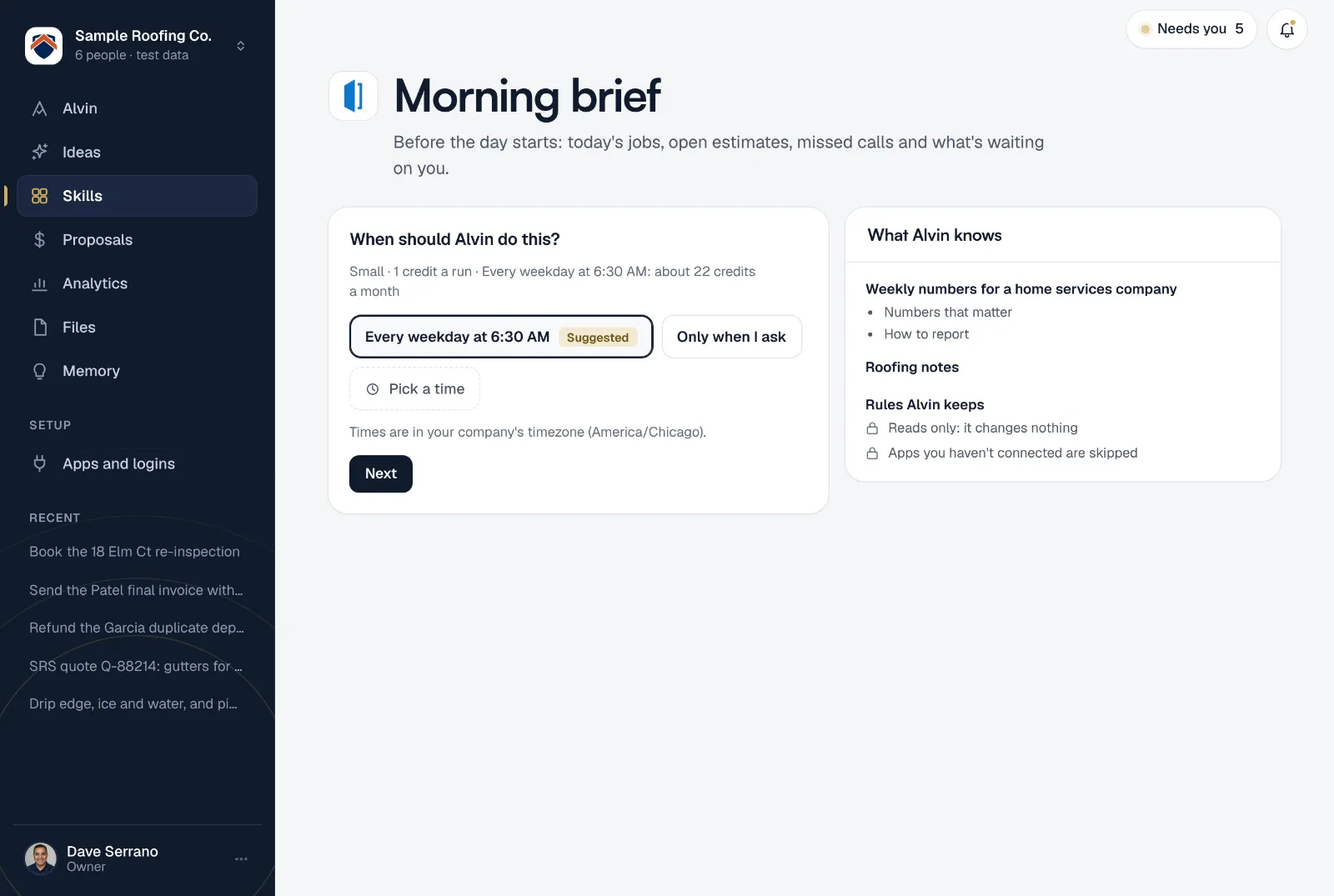
- Reads only: it changes nothing
- Apps you haven't connected are skipped
Your settings
There’s nothing to fill in. Turn it on and the brief arrives every weekday morning, built from whatever you’ve connected. Connect another app later and the next brief picks it up.
Anyone on the team can set up a brief of their own, so the office manager and the owner can each get one. Want to see it before you decide? Alvin builds today’s brief while you’re setting it up.
Frequently asked questions
What is a daily brief for a small business owner?
A short summary, read before work, of what’s happening today and what needs attention: the schedule, open sales, missed calls and anything waiting on a decision. Alvin writes yours from the apps you already use.
Can Alvin change anything in my apps from the brief?
No. The brief only reads. If you want Alvin to act on something in it, like following up on an estimate, ask in the chat and that work waits for your OK like any other.
Which apps does the brief read?
Your job software for today’s jobs and open estimates, your call tracking for missed calls, and your email and calendar for today’s meetings. None of them is required: apps you haven’t connected are skipped.
When does it arrive?
Every weekday at 6:30 AM by default. You can change the time or the days on the skill’s page.
Can I get just the missed calls instead?
Yes. The missed call follow-up skill is a call-back list on its own, with who called and from where.
Start tomorrow knowing your day.
Connect your job software and read today’s brief before you finish setting up.