How to get more Google reviews as an electrician
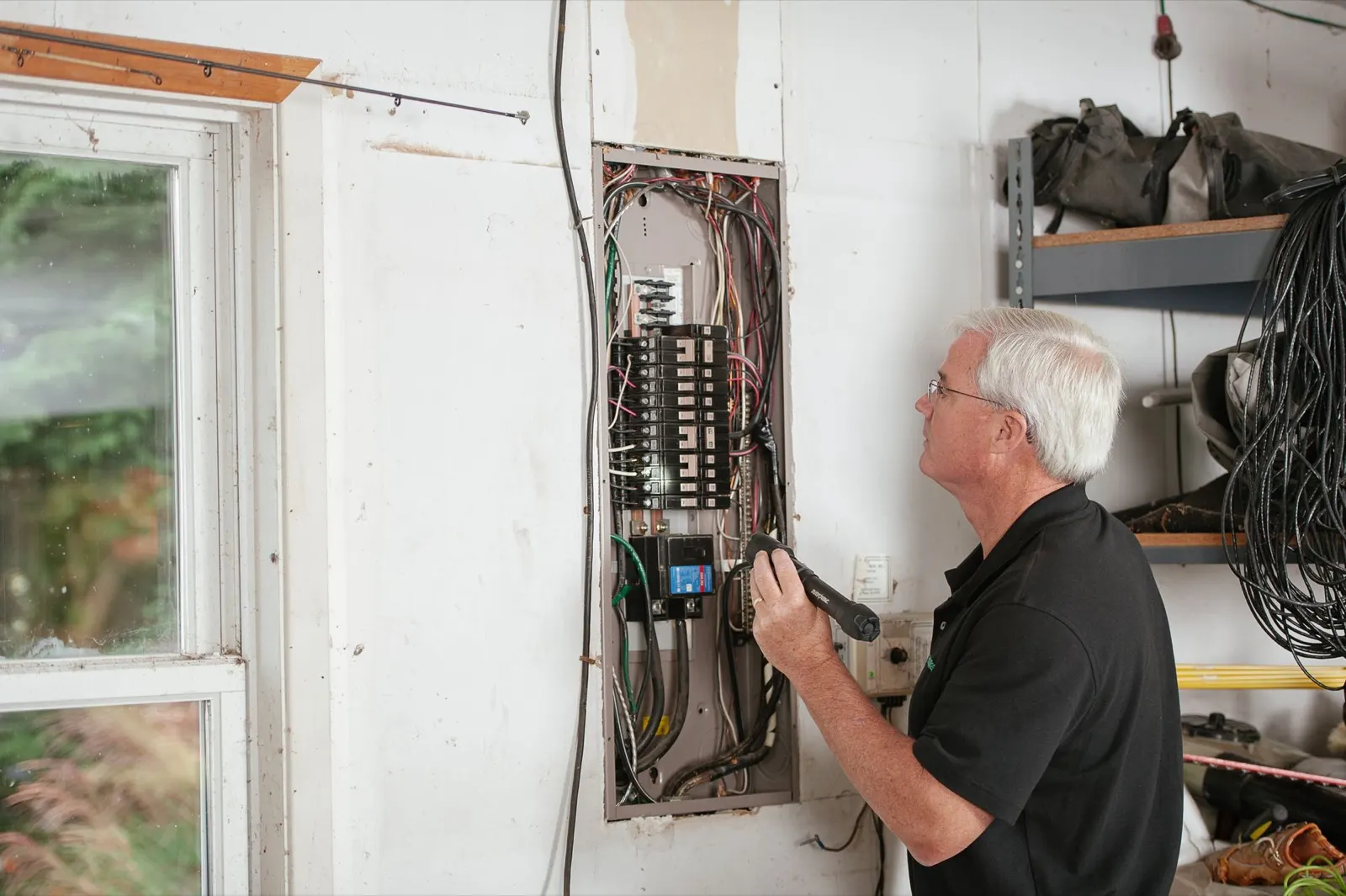
To get more Google reviews as an electrician, ask every customer the same day the job is finished and paid, by text, with a direct link to your Google review page, and send one reminder a few days later. Have the electrician mention it in person before leaving, then let the office send the link. Alvin drafts each request from the closed job and holds it for a person to approve before it goes out.
On this page
When to ask for electrician reviews
Ask after the job is done, the power is back on, the work area is clean and the invoice is paid. Same day is best. By the next week the customer has forgotten the tech's name and the relief of having the lights back.
Electrical work has a few natural moments where the ask lands well:
- Service calls. A dead circuit or tripping breaker fixed in one visit. Ask that evening.
- Panel upgrades and service changes. Wait until the inspection has passed and the utility has reconnected. Asking while the customer is still waiting on an inspector reads badly.
- EV chargers and generators. Ask after the customer has used it once. "How was the first charge?" is an easy opener.
- Remodel and new construction. Ask after the final walkthrough and final payment, not at rough-in.
Do not ask while a balance is open, a callback is pending or a change order is in dispute. Fix that first. If collecting is the slow part, see progress billing and unpaid invoices for electrical contractors.
Who asks, and in what order
The request works best when two people each do a small part.
- The electrician mentions it on site. One sentence before leaving: "The office will text you a link. If you have a minute, a review helps us a lot." No phone handed over, no standing there while the customer types.
- The office sends the link the same day. A text if the customer agreed to texts, otherwise an email. Use the electrician's first name and the job.
- One reminder goes out 3 to 4 days later. Only if no review has appeared and the customer has not replied.
- Then stop. Two messages is the limit. A third starts to feel like pressure.
- Someone replies to the review. Within a couple of business days, by name.
Get your link from your Google Business Profile: Google gives each business a short link that opens the review form. Save it where the whole office can find it.
Review request wording you can copy
Keep it short, name the person who did the work, and put the link last. The customer below is fictional; swap in your own details.
| Message | Wording |
|---|---|
| Text, same day | Hi Mrs. Henderson, this is Dana at [Company]. Thanks for having Marcus out today for the panel upgrade. If you have a minute, would you leave us a Google review? It helps other homeowners find us. [link] Reply STOP to opt out. |
| Email, same day | Subject: Thanks from [Company] Hi Mrs. Henderson, thanks for choosing us for your panel upgrade. Marcus said everything tested out and the inspection passed. If you were happy with the work, or if you were not, we would like to hear it in a Google review: [link]. It takes about a minute. Thank you, Dana |
| Reminder, day 3 or 4 | Hi Mrs. Henderson, Dana at [Company] again. No pressure at all. If you get a minute this week, here is the review link: [link]. Thanks again for the work. |
| Commercial or property manager | Hi Mr. Patel, thanks for bringing us in on the lighting retrofit at the Oak Street building. If your team was satisfied, a short Google review would help us with other property managers: [link]. |
Texting rules depend on federal and state law and on your texting provider. Get the customer's permission to text, include an opt-out, and check the rules that apply to you. This is general information, not legal advice.
How to reply to good and bad reviews
Reply to all of them. Future customers read the replies, especially on the bad ones.
Good review. Thank the customer by first name, mention the job in general terms, and keep it to two sentences. "Thanks, Carol. Marcus enjoyed the project and we are glad the new panel is working well." Skip the keyword-stuffed reply that lists every service and city you cover.
Bad review. Wait an hour, then follow this order:
- Pull the job record first: who went, what was quoted, what was billed, any photos.
- Reply once, calmly. Say you are sorry for the experience, state one fact if it matters, and give a name and direct number.
- Do not argue line by line, and do not post private details such as the address or the invoice amount.
- Call the customer the same day. If you fix the problem, it is fine to ask whether the review still reflects their experience. Do not offer money or a discount in exchange for changing it.
Example reply: "Mr. Smith, I am sorry the second visit was needed. That is on us. I am the owner and I would like to make it right. Please call me at [number]."
If a review is from someone who was never a customer, or breaks Google's content rules, you can report it through your Business Profile. Google decides whether to remove it.
Google's rules in plain terms
Google publishes a policy for reviews and can remove reviews or restrict a profile that breaks it. The general shape:
- No paying for reviews. That includes discounts, gift cards, raffle entries and free service in exchange for a review.
- No asking only happy customers. Screening customers with a survey first and sending the Google link only to the satisfied ones is sometimes called review gating. Ask everyone the same way.
- No fake reviews. Employees, family and the owner should not review the business, and you should not review competitors.
- No writing it for them. The customer writes the review in their own words from their own account.
This is a summary, and Google changes its policies. Read Google's current policy on reviews before you set up a process.
What Alvin handles and what stays with you
| Alvin does | You do |
|---|---|
| Checks your field service app and QuickBooks for jobs that are closed and paid | Decide which job types get a request and when |
| Drafts the request with the customer's name, the electrician's name and the job | Approve the message before it sends, or set limits for who can approve |
| Sends the approved text or email from your own accounts, with opt-out and quiet hours applied | Have the electrician mention the review in person |
| Skips customers with an open balance or an open callback, and sends one reminder only | Call unhappy customers and fix the problem |
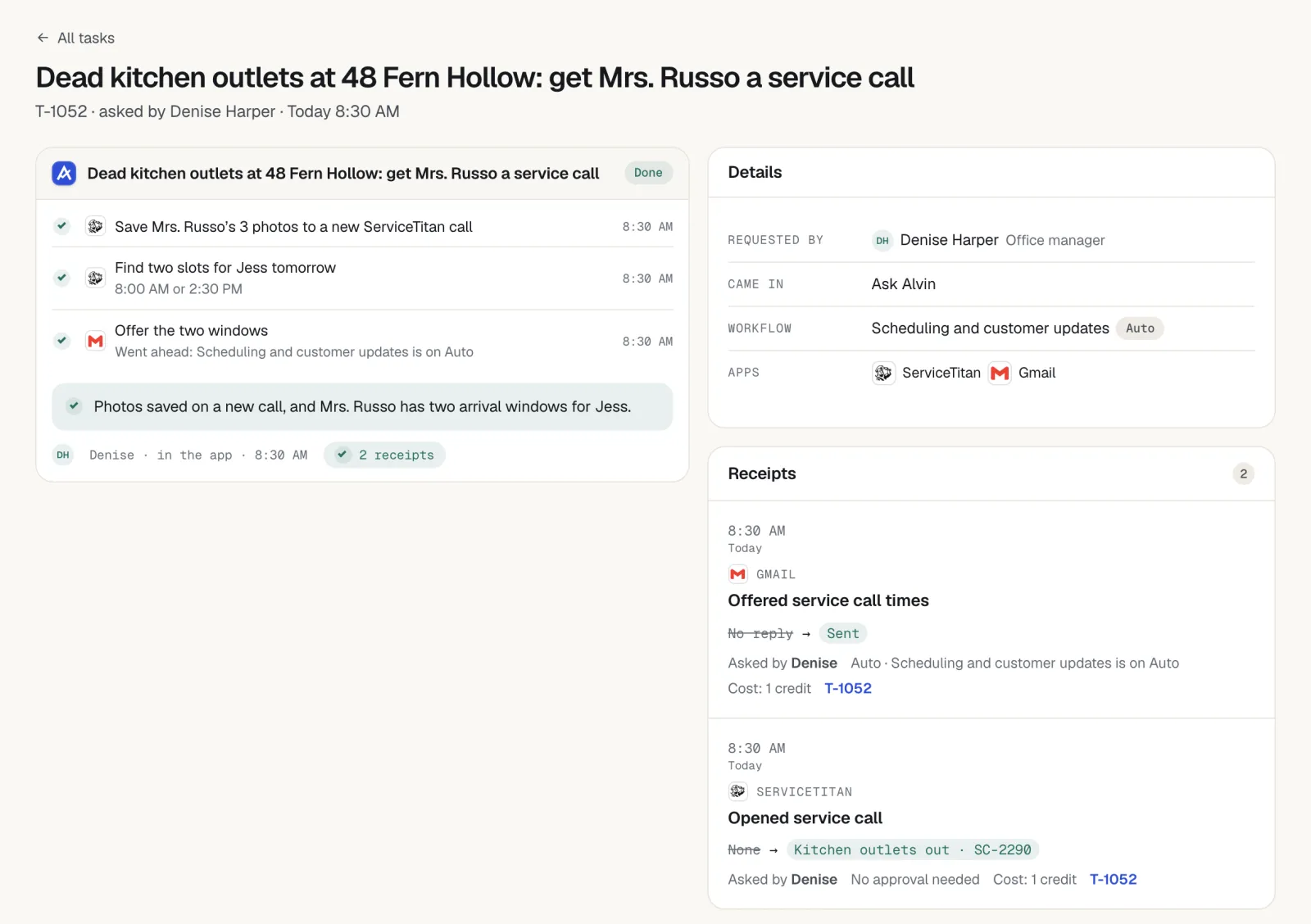
| Drafts replies to new reviews on your Google Business Profile, with the job record attached | Read, edit and approve every public reply |
| Keeps a receipt of who asked, who approved and what was sent | Set the tone once and adjust the wording when it stops sounding like you |
Alvin does not write reviews, screen out unhappy customers or offer anything in exchange for a review.
Frequently asked questions
How do electricians get more Google reviews?
Ask every customer the same day the job is finished and paid. Have the electrician mention it in person, then send a text or email with a direct link to your Google review form. Send one reminder a few days later and reply to every review that comes in.
When is the best time to ask an electrical customer for a review?
The same day the work is complete and the invoice is paid. For panel upgrades and service changes, wait until the inspection has passed and power is fully restored. Do not ask while a balance, a callback or a change order is still open.
Can I offer a discount for a Google review?
No. Google's review policy does not allow offering money, discounts, gifts or free service in exchange for reviews. Ask plainly and make it easy with a direct link. Check Google's current policy for the details.
Should I only ask happy customers for reviews?
No. Sending the review link only to customers you have screened as satisfied is discouraged by Google and can put your profile at risk. Ask every customer the same way after a completed job, and handle complaints directly when they come up.
How should an electrician respond to a bad review?
Check the job record, then reply once, calmly, with an apology for the experience and a name and number to call. Do not argue the details or share private information in public. Call the customer the same day and fix what can be fixed.
Ask every customer, every time.
Alvin drafts the review request when a job closes and is paid, and a person on your team approves it before it sends. See what else Alvin handles for electrical contractors.