Can a business text customers? Texting rules for contractors

Yes, a business can text customers, with their consent. In general, texts about a customer's own job need the customer's permission to be texted at that number, marketing texts need clearer written permission, every customer must be able to opt out by replying STOP, and business texting from a local number has to be registered with the carriers (A2P 10DLC). Alvin applies your opt-out and quiet-hours rules to every message Alvin drafts and holds each one for approval.
On this page
This article is general information, not legal advice. Texting law changes and differs by state. Check the current FCC rules, your state's rules and your texting provider's requirements, and ask an attorney about your own program.
Can a business text customers?
The rules were written to stop unwanted robocalls and spam, and texts are treated much like calls. For a contractor, four questions cover most of it:
- Did this person agree to get texts from us?
- Is this text about their job, or is it advertising?
- Can they make it stop, easily?
- Can we show all of that later if someone asks?
A shop that can answer those four is in far better shape than one that bought a texting tool and loaded every phone number from the CRM into it.
Consent for marketing texts vs informational texts
The law draws a line between messages about a customer's own business with you and messages that sell something. The line is not always sharp, so when a message does both, treat it as marketing.
Scroll sideways to see every column.
| Informational texts | Marketing texts | |
|---|---|---|
| Examples | Appointment confirmations, "tech is on the way," estimate ready, invoice and payment reminders, job updates | Seasonal specials, discounts, maintenance plan promotions, "we're in your neighborhood" offers, win-back campaigns |
| Consent generally expected | The customer gave you the number and agreed to be contacted there about their service | Clear written agreement to receive promotional texts from your business, not buried in fine print and not a condition of buying |
| Common way to collect it | A line on the booking form or work order: "We'll text you about your appointment at this number" | A separate, unchecked box or a keyword opt-in ("Text JOIN to..."), with message frequency and "Reply STOP to opt out" disclosed |
| Common mistake | Slipping a coupon into an appointment reminder | Treating a past job as permission to send promotions |
A few points follow from this. Consent belongs to the person and the number, so a number that changes hands is no longer covered. Buying a list of numbers gives you no consent at all. Review requests and payment reminders sit close to the line in some readings, so keep them plain and free of offers. The national Do Not Call registry and state lists can apply to marketing texts as well as calls.
Opt-out, quiet hours and identifying your business
Opt-out. Every customer must be able to stop your texts. Honor STOP and the usual variants (UNSUBSCRIBE, CANCEL, END, QUIT), and also plain requests such as "please don't text me." Most texting tools block further messages after STOP automatically. The harder part is the request made by phone or email to the office: someone has to mark that number as opted out everywhere you send from. Send one confirmation, then nothing further unless the customer opts back in. Process requests promptly; the FCC sets an outer time limit, so check the current rule.
Quiet hours. Federal telemarketing rules limit solicitations to daytime and evening hours in the recipient's local time, commonly described as 8 a.m. to 9 p.m., and some states set a narrower window or restrict Sundays and holidays. Confirm the window for each state you work in. The safe practice is to keep all non-urgent texts inside normal business hours where the customer lives. A reply to a message the customer just sent you is a different situation from a message you start.
Identify yourself. Put the business name in the message, especially the first one and anything sent from a number the customer has not saved. "Your tech is 20 minutes away" from an unknown number reads like spam. "Sample Heating & Air: your tech Luis is 20 minutes away" does not.
10DLC registration in plain language
A2P 10DLC stands for application-to-person texting over a ten-digit long code, meaning a normal local phone number. If software sends texts from your local business number, the mobile carriers expect that traffic to be registered. Unregistered traffic is commonly filtered, blocked or charged extra fees. Registration is a carrier and industry requirement, separate from the law, and you complete it through your texting provider.
- Ask your provider. Your phone system, texting tool or field service app has a registration form. If the provider says none is needed, ask how the messages are being sent.
- Register the brand. Legal business name, tax ID, address and website, matching your official records exactly.
- Register the campaign. A description of what you send (appointment reminders, invoices, marketing), sample messages, and how customers opt in and out.
- Show your opt-in. Reviewers often look for the consent wording on your website or booking form and for a privacy policy that covers phone numbers.
- Wait for approval, then send. Approval times vary. Do not start a campaign on an unapproved number.
- Keep it current. Update the registration if you add a new kind of message, such as promotions.
Toll-free numbers and short codes have their own verification processes. Your provider can tell you which type you have and what fees apply.
Keeping records of consent
If a customer complains, you will be asked to show that this person agreed to these messages, so keep the proof with the customer record. For each customer, keep:
- The phone number and the name of the person who gave it.
- The date and how consent was given: web form, signed work order, keyword text, a recorded note from a phone call.
- The exact wording the customer saw or heard.
- Which kinds of messages they agreed to: service only, or marketing too.
- Any opt-out, with the date, and any later opt-in.
Keep these with the customer record in your CRM, not in one person's memory. Ask your attorney how long to retain them. When you change texting tools, move the opt-out list first.
State laws can be stricter
Federal law is the floor. Several states have their own telemarketing and texting laws that go further: shorter quiet hours, limits on how many messages you may send a person in a day, broader definitions of what counts as an automated message, registration for sellers, and private lawsuits for violations. The law of the state where the customer lives generally matters, which affects any contractor who works across a state line or texts customers who moved.
Check your state attorney general or consumer protection office for the current rules, and look again each year. For a common first use of business texting, see missed call text back.
What Alvin handles and what stays with you
| Alvin does | You do |
|---|---|
| Drafts customer texts and emails under your own business accounts and holds each one for approval | Decide what your business sends and who may approve it |
| Applies your opt-out list and quiet-hours window before any message is sent | Set the quiet-hours window and rules for your states, with your attorney |
| Remembers each customer's contact preferences, which the team can see and edit | Collect consent with wording your attorney has reviewed |
| Notes an opt-out request that arrives by email or through the office and flags it for the team | Complete 10DLC registration with your texting provider |
| Keeps a receipt of every message: who asked, who approved, what was sent | Answer any complaint or legal question |
Alvin does not give legal advice and does not decide whether a message is lawful. Alvin follows the rules you set and shows the record.
Frequently asked questions
Can a business text customers without permission?
Generally no. Texts about a customer's own service call for the customer's agreement to be contacted at that number, and marketing texts call for clear written consent. State laws can be stricter than federal rules. Check current FCC rules and your state's rules.
What are the TCPA rules for contractors?
The TCPA and FCC rules cover consent for calls and texts, opt-outs, calling hours and the Do Not Call registry. For a contractor, that means getting permission before texting, keeping promotions separate from service messages, honoring STOP, and keeping proof of consent. This is a general summary, not legal advice.
What is 10DLC registration and do I need it?
10DLC registration tells mobile carriers who is sending business texts from a local ten-digit number and what kind of messages they are. If software sends texts from your local business number, you almost certainly need it. You register your brand and campaign through your texting provider.
Do appointment reminder texts need consent?
Yes, though the standard is generally lighter than for marketing. A customer who gives you a mobile number and is told you will text about the appointment has typically agreed to those messages. Keep reminders free of promotions and include a way to opt out.
What do I have to do when a customer replies STOP?
Stop texting that number, apart from a single confirmation that the request was received. Mark the opt-out in every tool that sends texts for your business, and honor requests made in other words or by phone as well. Do not resume unless the customer opts back in.
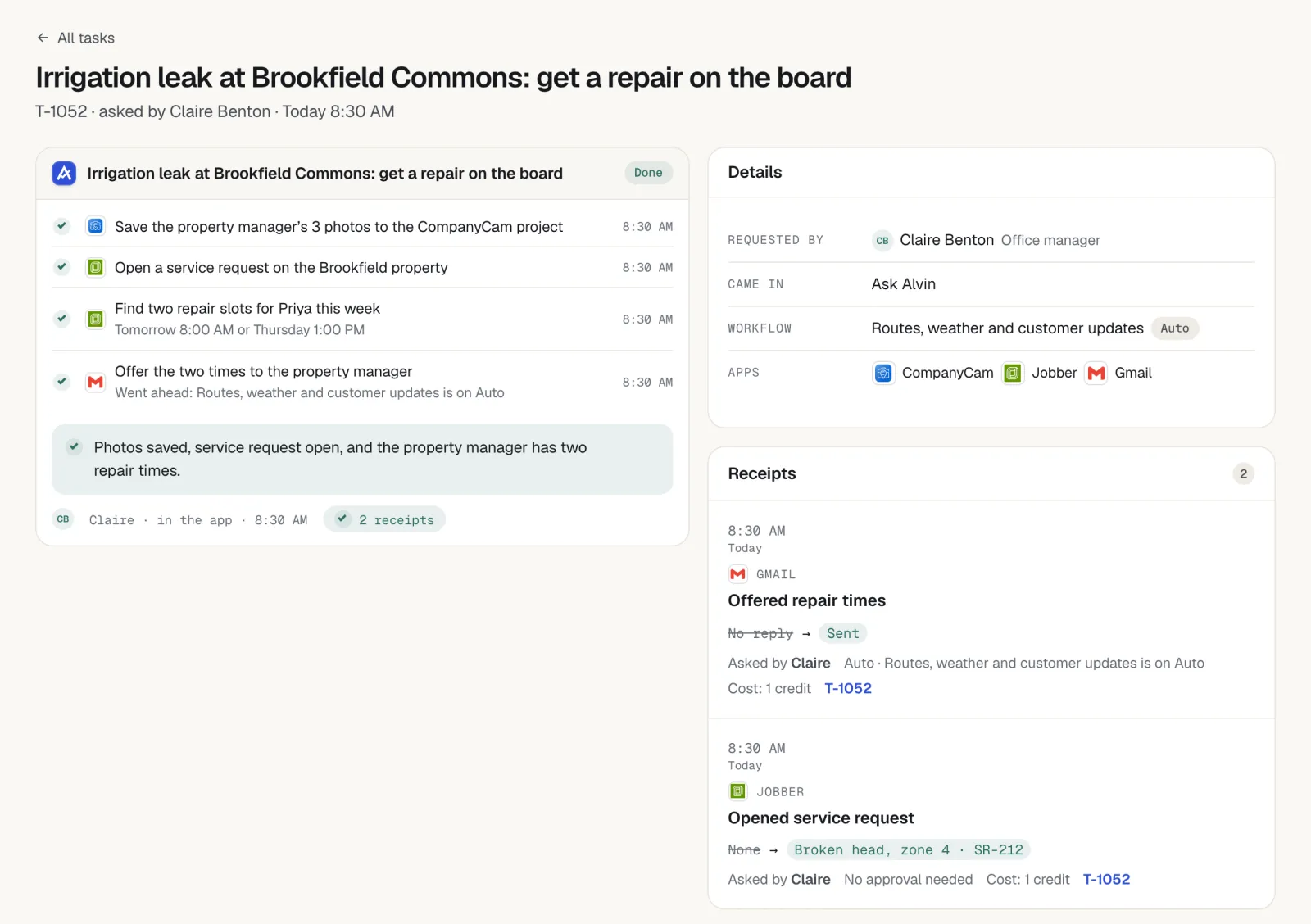
Customer messages with a person approving and a record of each one.
In a pilot we set up Alvin with your accounts, your opt-out list and your quiet hours, and you see every draft before it is sent.