How to get Google reviews for a landscaping business
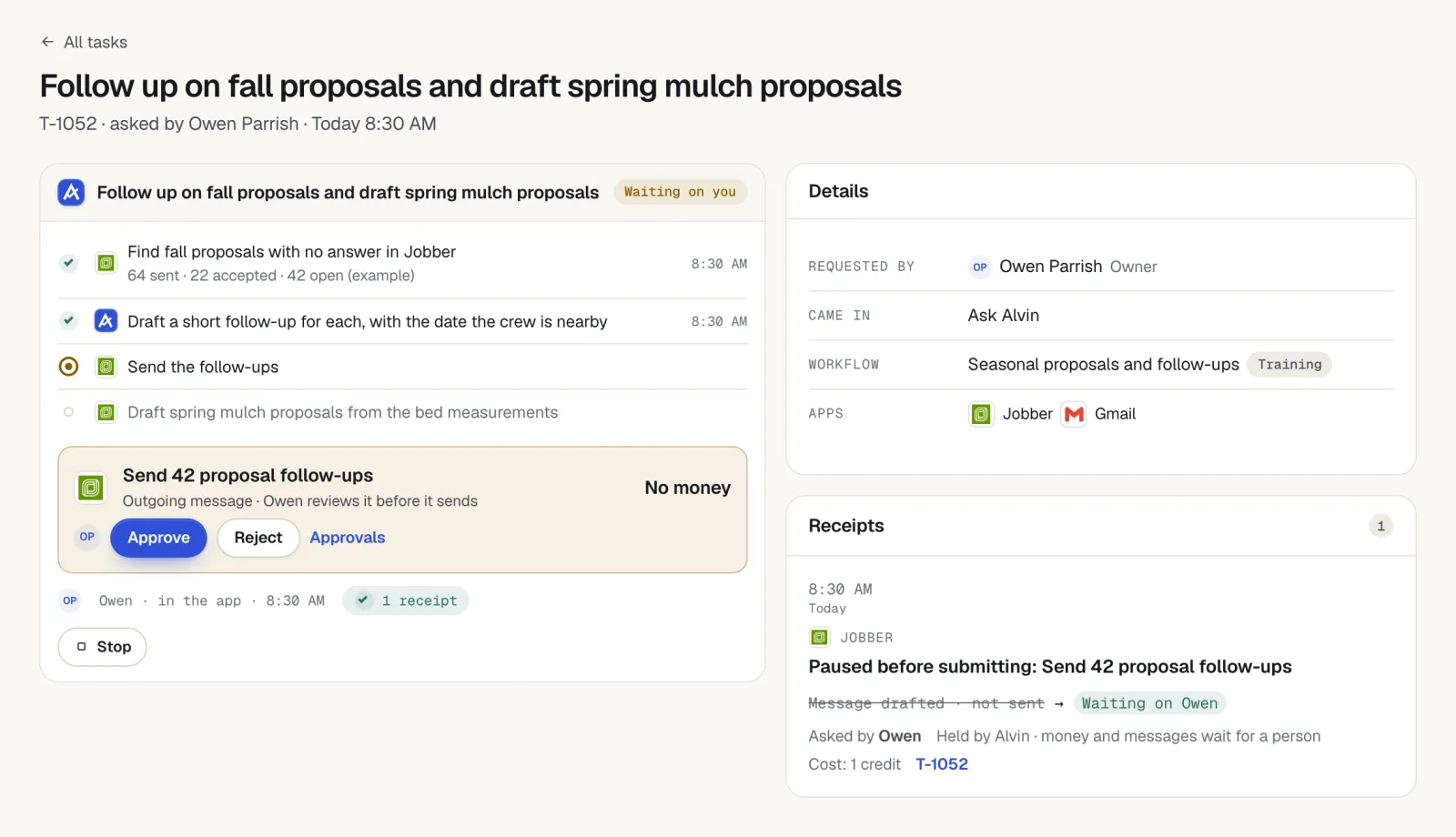
A landscaping business gets Google reviews by asking at the moments when the yard looks its best: within a day or two of an install or a seasonal cleanup, and once a year for recurring maintenance customers. Send a short text or email with a direct review link and an after photo, follow up once, and reply to every review. Alvin spots the finished jobs in your field service app and drafts each request for a person to approve.
On this page
Two kinds of customers, two kinds of ask
A landscaping company has customers it sees 30 times a year and customers it sees once. The same request does not fit both.
Scroll sideways to see every column.
| Recurring maintenance customer | One-time install customer | |
|---|---|---|
| What they can speak to | Reliability, the crew, communication over a season | The design, the result, how the project was run |
| Best moment | After a spring or fall cleanup, a mulch refresh, or when they renew | 1 to 2 days after the final walkthrough, once paid |
| How often | Once a year at most, and never again after they leave a review | Once, with one reminder |
| Who asks | The account manager or office, by name | The designer or crew lead who ran the job |
| What to attach | A photo of the fresh beds or cleanup | Before and after photos |
Timing: ask after work the customer can see
A routine mow is invisible when done well. Nobody feels moved to write about the fourteenth Tuesday in a row. The ask lands when the property has visibly changed:
- Spring cleanup with fresh edging and mulch.
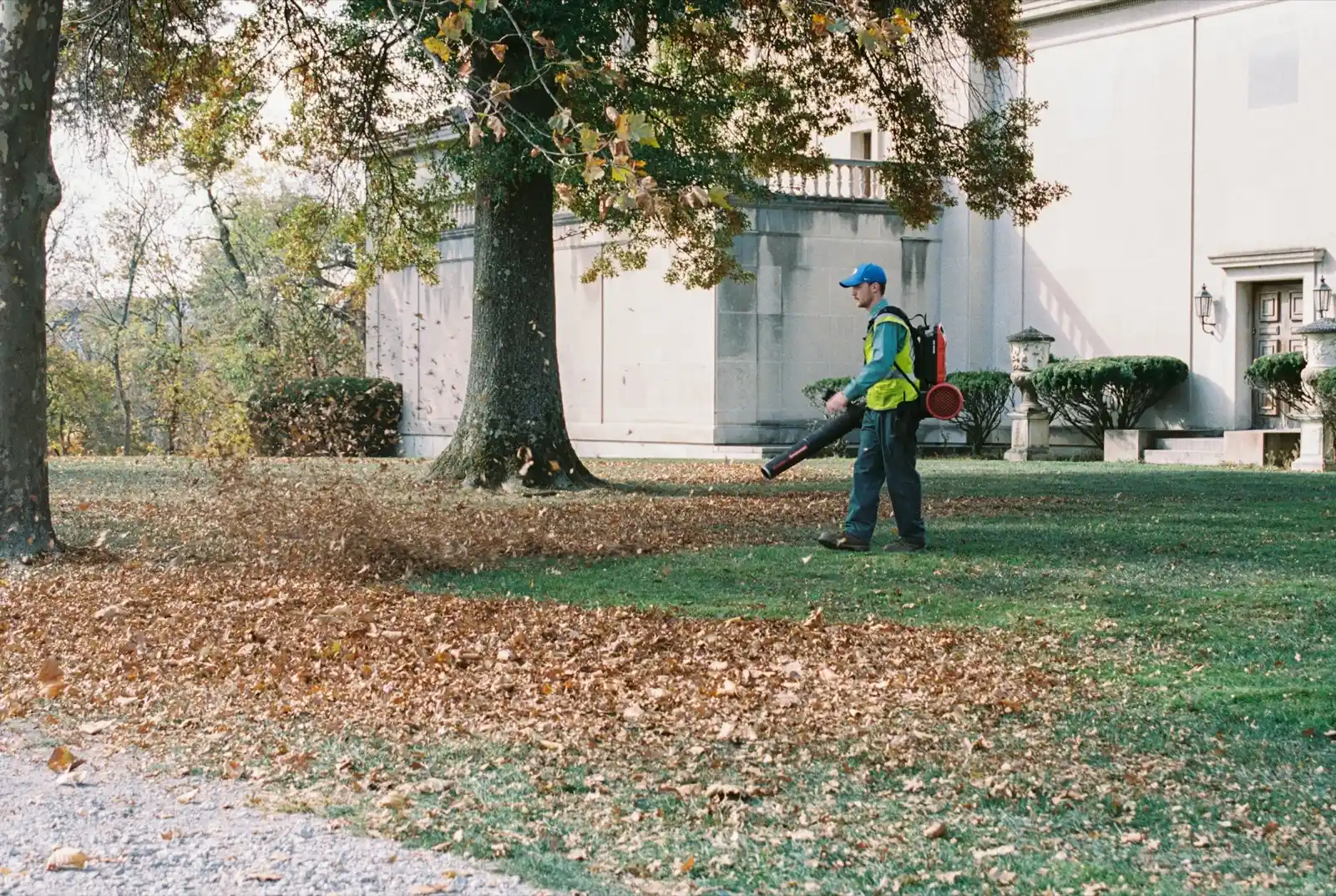
- Fall leaf cleanup, when the lawn is clear again.
- A finished patio, planting, sod or lighting job.
- A problem solved: drainage fixed, a dead hedge replaced.
- A compliment. When a customer texts "the yard looks great," reply with thanks and the link.
Hold the request when new sod or plants are still struggling, when an invoice is open, or the week after a missed visit. For install jobs, plants look better in photos two weeks in, but the customer's excitement is highest in the first two days. Ask in the first two days.
Wording you can copy
Each one is short, names a person and ends with the link. The customers are fictional.
Text after an install
"Hi Mr. Patel, it's Rosa from [Company]. The patio and plantings turned out great, and here are the before and after photos. If you have a minute, would you share what you think in a Google review? [link] Reply STOP to opt out."
Email after a seasonal cleanup (recurring customer)
"Subject: Your spring cleanup is done
Hi Mrs. Henderson, Luis and the crew finished your spring cleanup today: beds edged, mulch down, shrubs trimmed. A photo is attached. You have been with us for three seasons, and if you would be willing to leave a Google review about your experience, good or bad, it would help us a lot: [link]. Thank you, Ana"
Reply to a compliment
"Thank you, that made the crew's day. If you ever feel like saying it on Google, here is the link: [link]."
One reminder, 4 to 5 days later
"Hi Mr. Patel, Rosa again. No rush. Here is the review link in case it got buried: [link]. Enjoy the patio this weekend."
Commercial or HOA contact
"Hi Dave, thanks for another season at Cedar Ridge. If the board has been happy with the grounds, a Google review from you would help us with other communities: [link]."
Get permission before texting customers, include an opt-out, and check the federal and state rules and your texting provider's rules. This is general information, not legal advice.
Use photos, with permission
Landscaping is one of the few trades where the customer can see the whole job from the driveway. Use that.
- Take a before photo on every install and cleanup, from the same spot you will take the after. Make it part of the crew lead's closeout.
- Send the photos with the request. It reminds the customer what changed, and they can add the same photos to their review if they like.
- Ask before you post. Get the customer's okay before putting their property on your Google Business Profile or website, and keep house numbers and license plates out of frame.
- Post your own project photos to your profile regularly. People comparing landscapers look at the pictures first.
A monthly routine that keeps reviews coming
Reviews that arrive steadily look more believable than twenty in one week. Put it on the office calendar.
- Each Friday, list the installs and cleanups finished and paid that week.
- Remove anyone with an open balance, an open complaint, or a review already on file.
- Send the request with photos, from the person the customer knows.
- Send one reminder the following week to anyone who has not answered.
- Once a month, pick the maintenance customers who renewed or passed an anniversary and have never been asked. Ask them.
- Reply to every new review within two business days.
Finished installs and cleanups are also the right time to mention next season's work. See seasonal upsells for landscaping companies.
Replying to reviews, and Google's rules
Positive reviews: thank the customer by first name and mention the project in a few words. "Thanks, Priya. The crew loved building that patio." Two sentences is enough.
Negative reviews: look up the account first (visit history, photos, messages). Reply once, without arguing: say you are sorry it went that way, give a name and number, and take the rest offline. Landscaping complaints are often about a missed visit or a plant that died, and both can usually be fixed with a phone call and a return trip. Do not post the customer's address or bill in a public reply.
Google's rules, in general terms:
- Do not offer discounts, free services, gift cards or contest entries for reviews.
- Do not ask only the customers you expect to be positive, or screen customers before sending the link.
- Do not have employees, family or the owner post reviews, and do not write reviews for customers.
- You can report a review that breaks Google's content rules. Google decides what happens to it.
Google updates its review policy. Read the current version before you set up your process.
What Alvin handles and what stays with you
| Alvin does | You do |
|---|---|
| Finds installs and cleanups marked complete and paid in your field service app and QuickBooks | Decide which job types and customers get asked, and how often |
| Remembers who has been asked and who has already left a review | Have crew leads take before and after photos |
| Drafts the request with the customer's name, the job and the crew lead | Approve each message, or set who on the team can approve |
| Sends approved texts and emails from your accounts, with opt-out and quiet hours applied | Get the customer's permission before posting photos of their property |
| Drafts replies to new reviews on your Google Business Profile, with the account history attached | Edit and approve every public reply, and call unhappy customers |
Every request and reply has a receipt showing who approved it. Alvin does not write reviews or offer anything in return for one.
Frequently asked questions
How do I get Google reviews for my landscaping business?
Ask after work the customer can see: an install, a spring or fall cleanup, or a fresh mulch job. Send a short text or email with your Google review link and an after photo, then one reminder a few days later. Reply to every review you receive.
When should a lawn care company ask for a review?
Within a day or two of a cleanup or install, once the invoice is paid. For weekly mowing customers, ask once a year at a high point such as a spring cleanup or a renewal. Do not ask after a routine mow or right after a missed visit.
How often can I ask a recurring landscaping customer for a review?
Once a year at most, and stop once they have left one. Keep a record of who has been asked and who has reviewed so nobody gets the same request every season.
Can I post photos of a customer's yard on Google?
Ask the customer first and keep house numbers and license plates out of the shot. Many companies add a photo permission line to the estimate or agreement. Privacy rules vary, so check what applies in your state.
Can a landscaping company offer a discount for a Google review?
No. Google's review policy does not allow incentives such as discounts, free services or gift cards in exchange for reviews. Ask every customer the same way and make it easy with a direct link.
Ask while the mulch is still fresh.
Alvin finds the finished jobs, drafts the request and waits for your approval. See what else Alvin handles for landscaping companies.